Update SophMate Safely After a CodeCanyon Release
Prepare backups, staging checks, diagnostics, provider tests, workflow pauses, and rollback notes before updating SophMate from a CodeCanyon release.
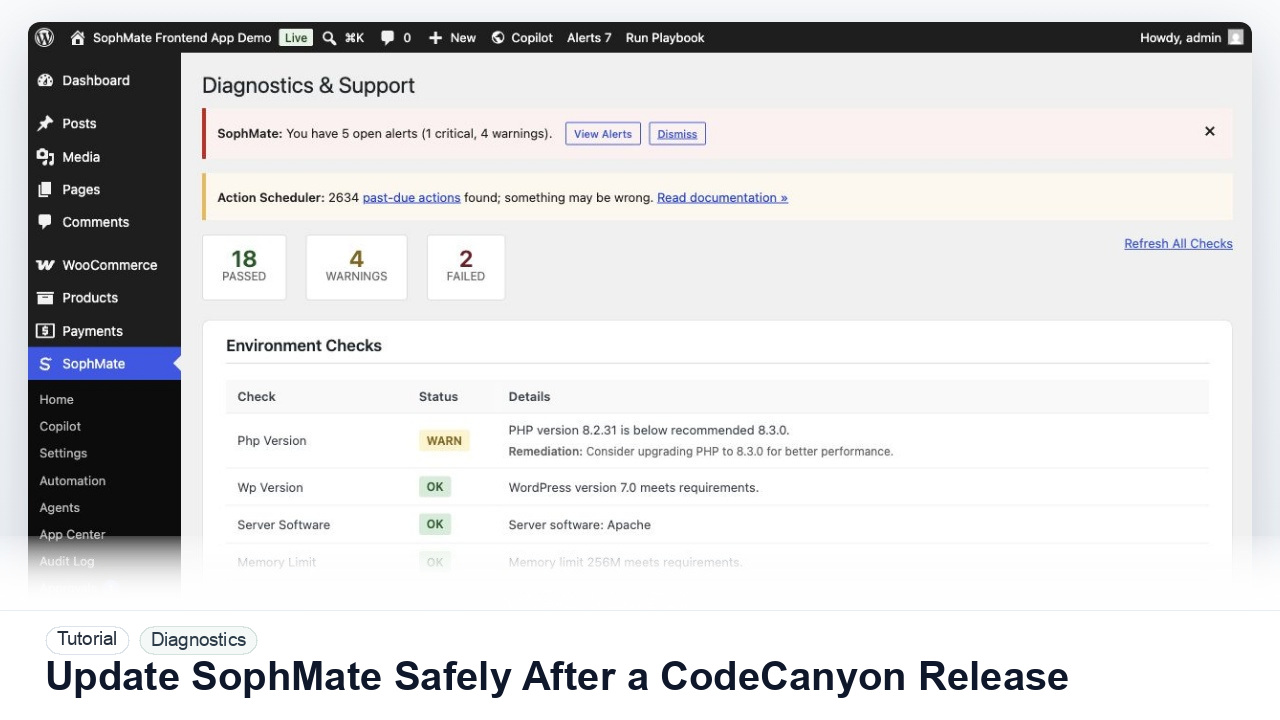
Prepare backups, staging checks, diagnostics, provider tests, workflow pauses, and rollback notes before updating SophMate from a CodeCanyon release.
By the end of this tutorial, you will know how to use SophMate for SophMate update checklist while keeping the work reviewable inside WordPress.
A site owner sees a new SophMate release and wants to update without breaking provider setup, workflow execution, Theme Assistant workflows, or WooCommerce approvals.
Use this tutorial to evaluate post-purchase operations: update ownership, support evidence, redaction, rollback readiness, and version context. Buyers should be able to maintain SophMate without turning every issue into an undocumented support ticket.
Prepare a SophMate update checklist for this release. Include backup proof, staging checks, diagnostics, provider test, paused workflows, rollback owner, and what must remain paused if verification fails.
The tutorial image shows Diagnostics and Support context where environment checks, connectivity, plugin inventory, extensions, and support reports are prepared.
Use these records to explain behavior without disclosing secrets or unnecessary customer data.
Check the release notes, changed modules, minimum requirements, and any migration or compatibility notes before touching the production site.
Create a database and file backup, then confirm how the host restores it. A backup is not useful if the restore path is unknown.
Update staging, run diagnostics, test provider connection, open Copilot, review approvals, and run one low-risk workflow or Theme Assistant preview.
Before updating production, pause workflows, watchers, agents, or campaign paths that could run during the update window.
Run diagnostics, test provider connection, inspect audit logs, review pending approvals, and confirm key public landing and support paths still load.
The diagnostics workflow is successful when support can see the environment state, failed check, and reproduction steps without receiving provider keys or unnecessary private data.
Keep the previous plugin package, backup location, restore owner, paused workflow list, and diagnostics baseline available until the update is verified in production.
Document release version, update date, backup location, restore owner, staging result, diagnostics result, paused workflow paths, post-update checks, and any known caveats before resuming normal work.
A site administrator should own the update window. Run this checklist for every SophMate release that changes workflows, providers, Theme Assistant, agents, approvals, diagnostics, or WooCommerce behavior.
Escalate when the update changes minimum requirements, migrations fail, diagnostics regress, workflows behave differently, or the team cannot confirm a reliable backup and restore path.
Send exact timestamps, affected screen, environment details, failed check, reproduction steps, and redacted diagnostics. Do not send provider keys, server credentials, purchase codes, or unrelated customer records.
No. SophMate should make the work easier to draft, inspect, approve, and repeat. Human review remains necessary when output affects customers, money, published content, privacy, settings, or workflow execution.
Record the owner, input scope, access boundary, approval point, failure modes tested, evidence location, monitoring window, and rollback or stop path.
Run the update on staging, capture diagnostics and provider test results, then promote to production only after the rollback owner and paused workflow paths are documented.
Next step
Review the SophMate listing for current package details, screenshots, compatibility notes, and license terms.
Related
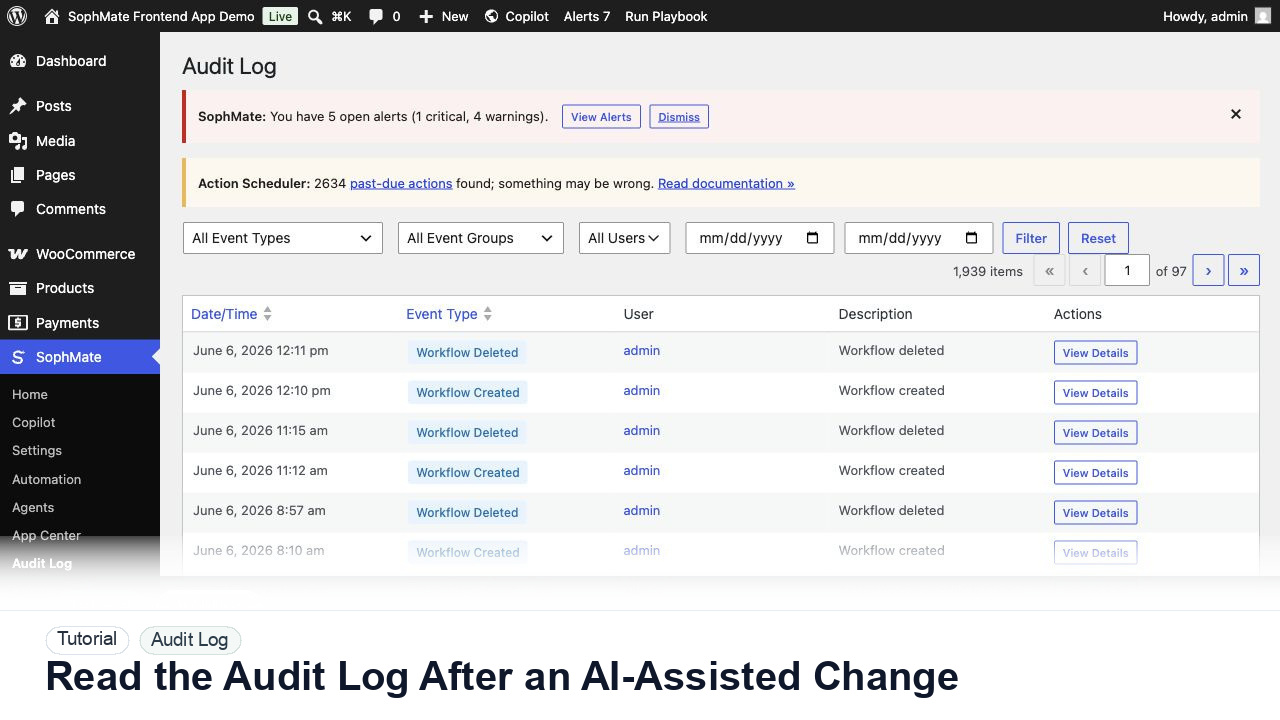
Use the SophMate Audit Log to verify who proposed, approved, executed, failed, retried, exported, or purged AI-assisted work.
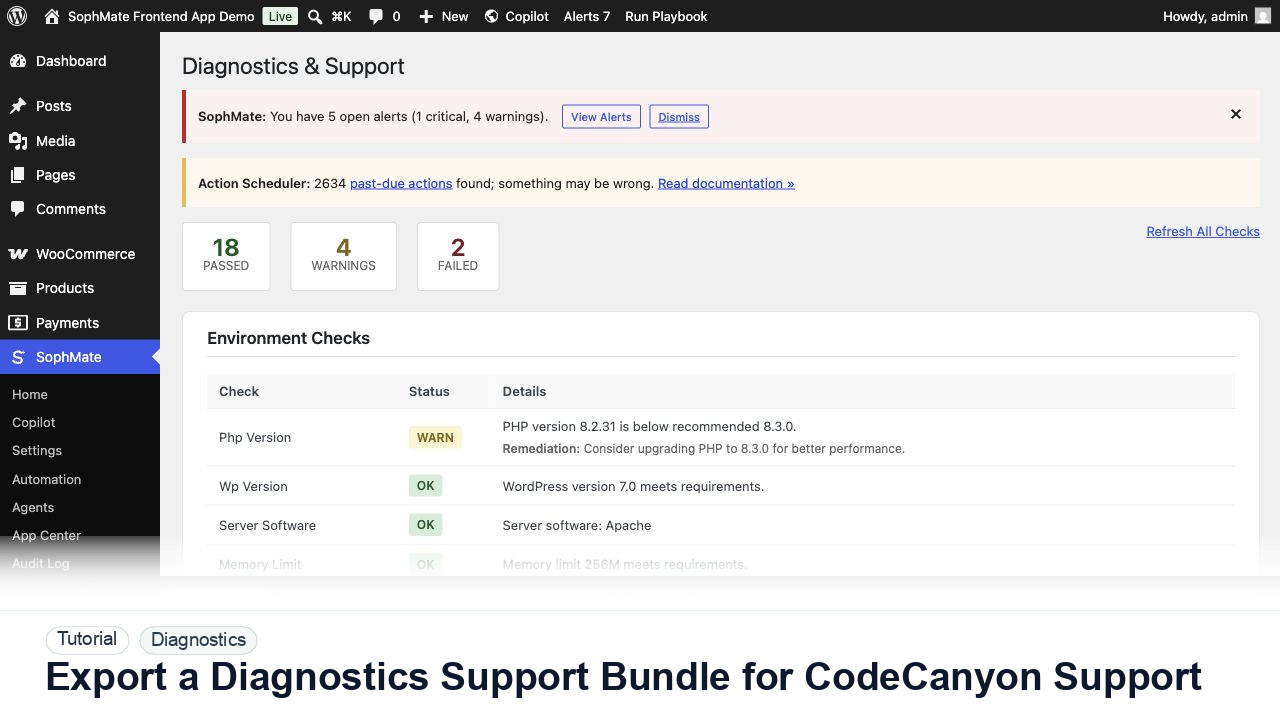
Use SophMate Diagnostics and Support to check environment status, provider connectivity, PHP extensions, plugin inventory, and support bundle data before contacting support.
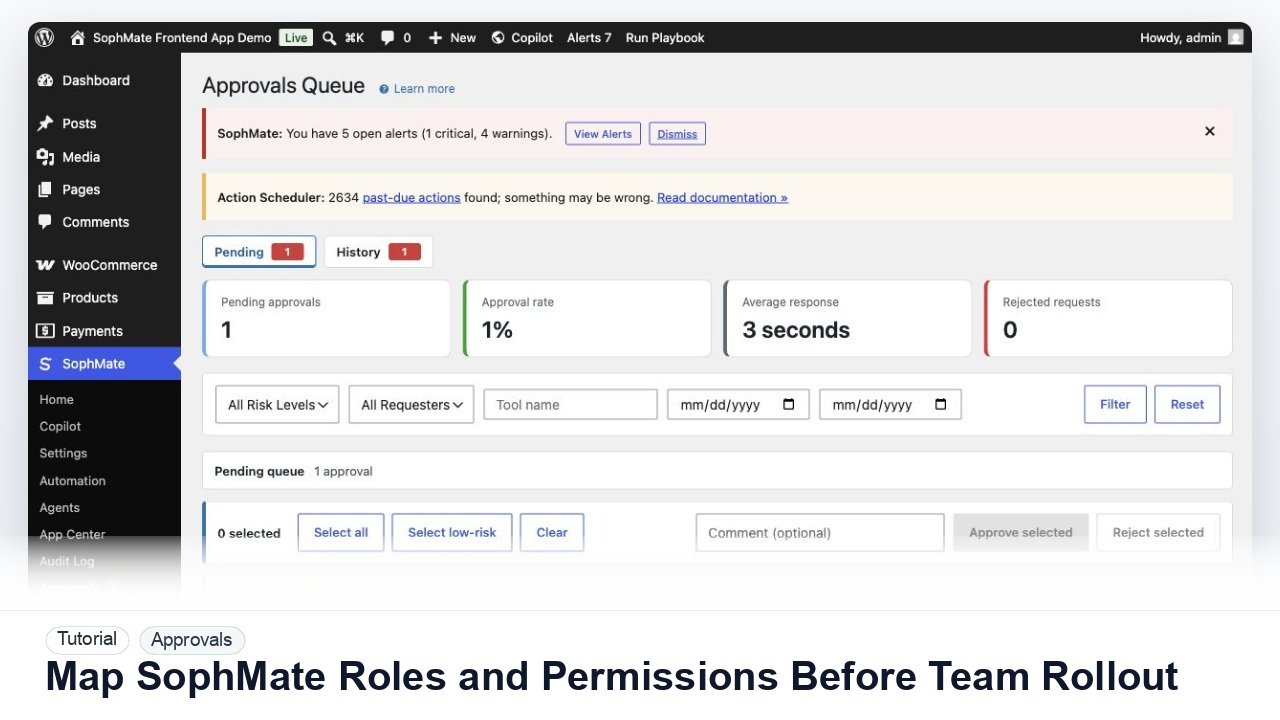
Map administrators, editors, marketers, support users, agency operators, and developers to SophMate capabilities before opening AI workflows to a wider team.