Run a Production Readiness Review Before Launch
Review SophMate provider setup, budgets, mail, database, cache, queue, diagnostics, support contacts, and CodeCanyon links before a landing or plugin launch.
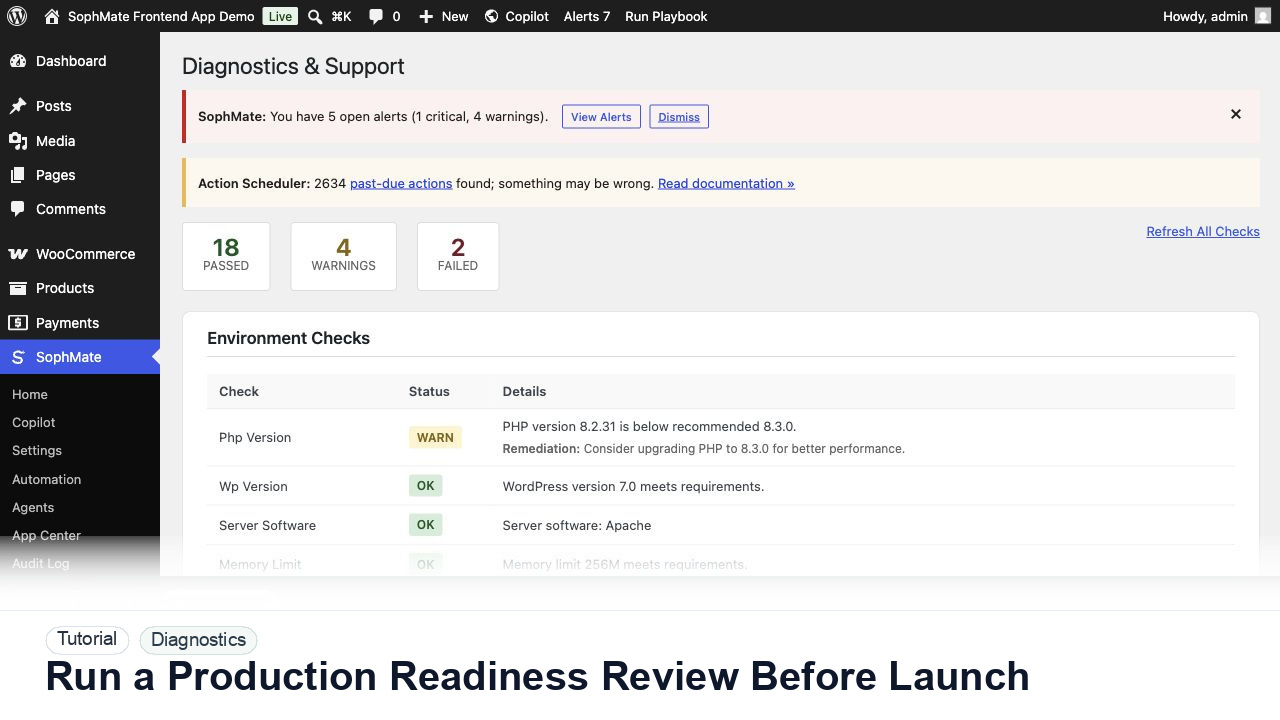
Review SophMate provider setup, budgets, mail, database, cache, queue, diagnostics, support contacts, and CodeCanyon links before a landing or plugin launch.
By the end of this tutorial, you will know how to use SophMate for SophMate production readiness while keeping the work reviewable inside WordPress.
A site owner is preparing a production launch and wants to reduce avoidable support issues before users begin relying on SophMate.
Use this tutorial to evaluate whether SophMate support evidence is actionable and safe to share. Buyers should expect exact screens, timestamps, environment facts, failed checks, reproduction steps, and redaction notes.
Prepare support-safe diagnostics for this issue. Capture exact screen, timestamp, environment, failed check, reproduction steps, and redaction notes before contacting support.
The tutorial image shows Diagnostics and Support context where environment checks, connectivity, plugin inventory, extensions, and support reports are prepared.
Use these records to explain behavior without disclosing secrets or unnecessary customer data.
Use Diagnostics and Support to verify PHP extensions, outbound connectivity, active theme, plugin inventory, provider status, and support bundle behavior.
Confirm provider keys, budgets, approval rules, workflow paths, retention settings, mailer, cache, queue, and database configuration are appropriate for production.
Open core landing pages, tutorials, contact, privacy, terms, sitemap, robots, and CodeCanyon redirect paths. Broken SEO or support paths create avoidable pre-sale friction.
Make sure contact emails, monitored mailboxes, purchase-code expectations, diagnostics instructions, and support-bundle guidance are documented for the team.
Save a short baseline note with date, version, provider status, diagnostics status, and known caveats so later incidents can be compared against a known state.
The diagnostics workflow is successful when support can see the environment state, failed check, and reproduction steps without receiving provider keys or unnecessary private data.
If evidence is incomplete or unsafe to share, stop escalation until redaction, timestamps, environment details, and reproduction steps are corrected.
Document the event chain, check results, support-safe report, reproduction steps, redaction review, and owner for the next action.
The site administrator or operations lead should review these records after incidents, before support contact, and during governance checks.
Escalate when support evidence is incomplete, redaction is uncertain, or the event chain cannot explain what happened.
Send exact timestamps, affected screen, environment details, failed check, reproduction steps, and redacted diagnostics. Do not send provider keys, server credentials, purchase codes, or unrelated customer records.
No. SophMate should make the work easier to draft, inspect, approve, and repeat. Human review remains necessary when output affects customers, money, published content, privacy, settings, or workflow execution.
Record the owner, input scope, access boundary, approval point, failure modes tested, evidence location, monitoring window, and rollback or stop path.
Fix one failing check, rerun diagnostics, and keep the before/after result with the support-safe report so the next owner can verify the change.
Next step
Review the SophMate listing for current package details, screenshots, compatibility notes, and license terms.
Related
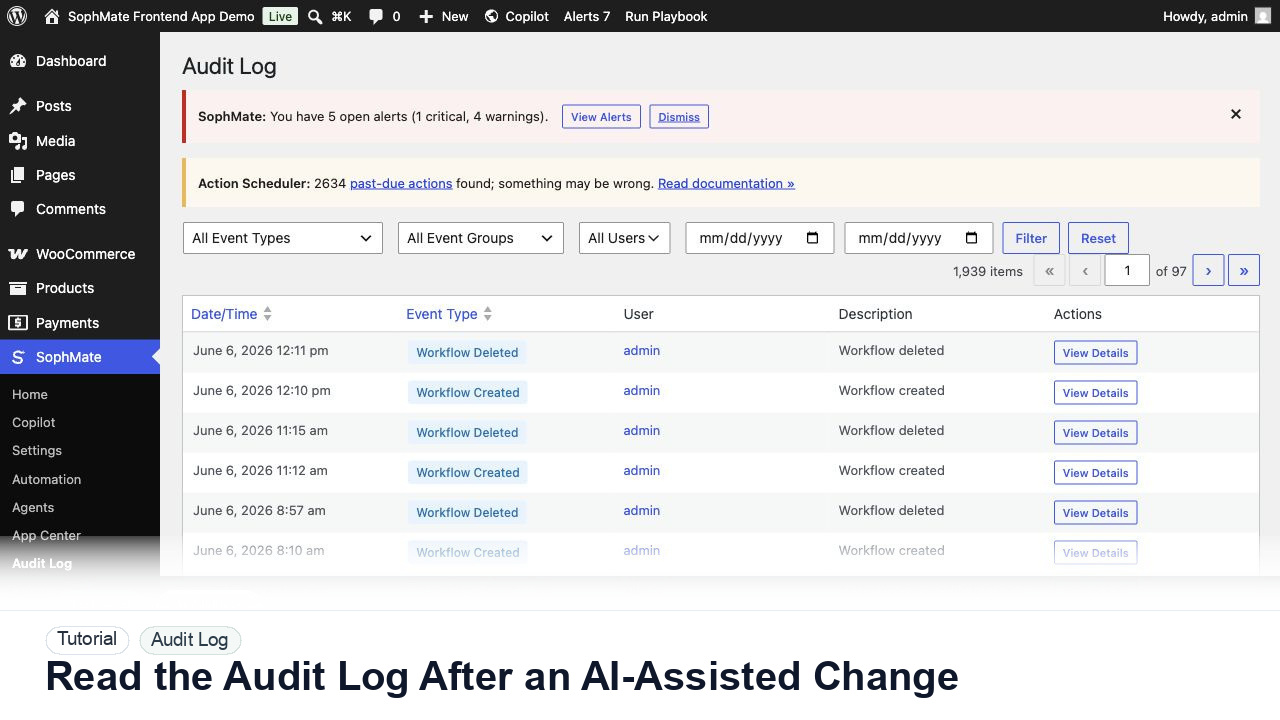
Use the SophMate Audit Log to verify who proposed, approved, executed, failed, retried, exported, or purged AI-assisted work.
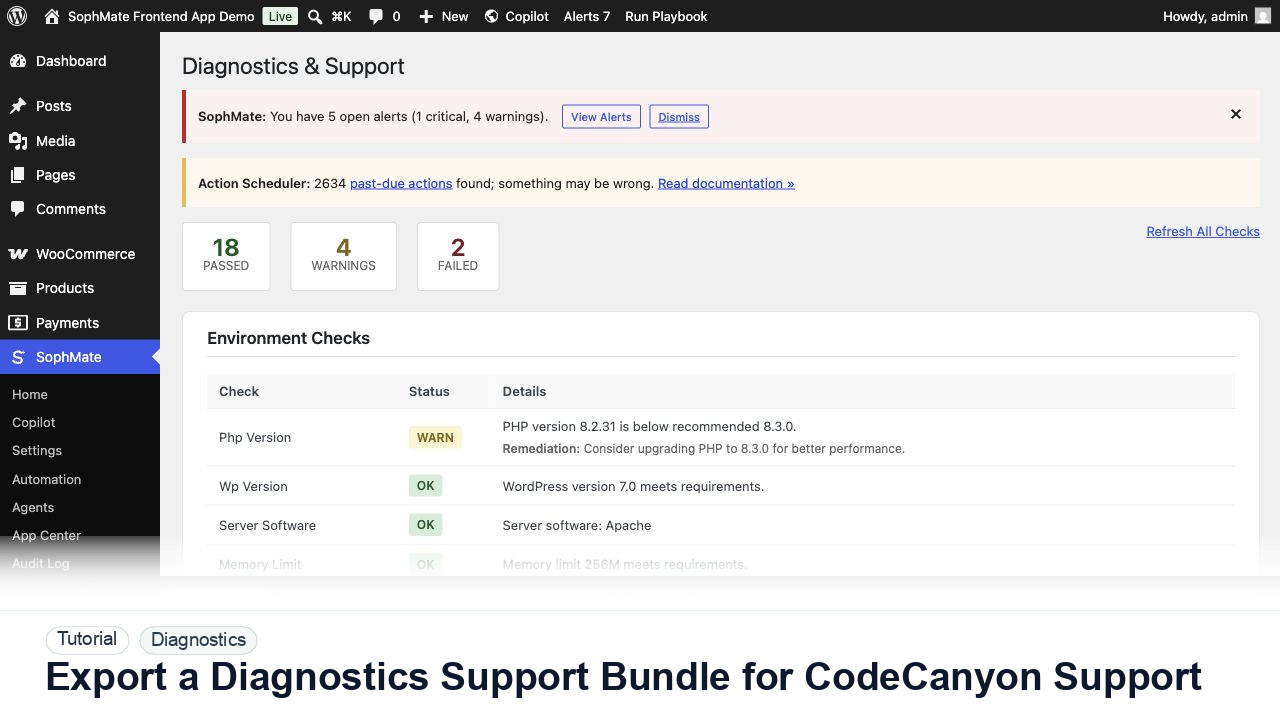
Use SophMate Diagnostics and Support to check environment status, provider connectivity, PHP extensions, plugin inventory, and support bundle data before contacting support.
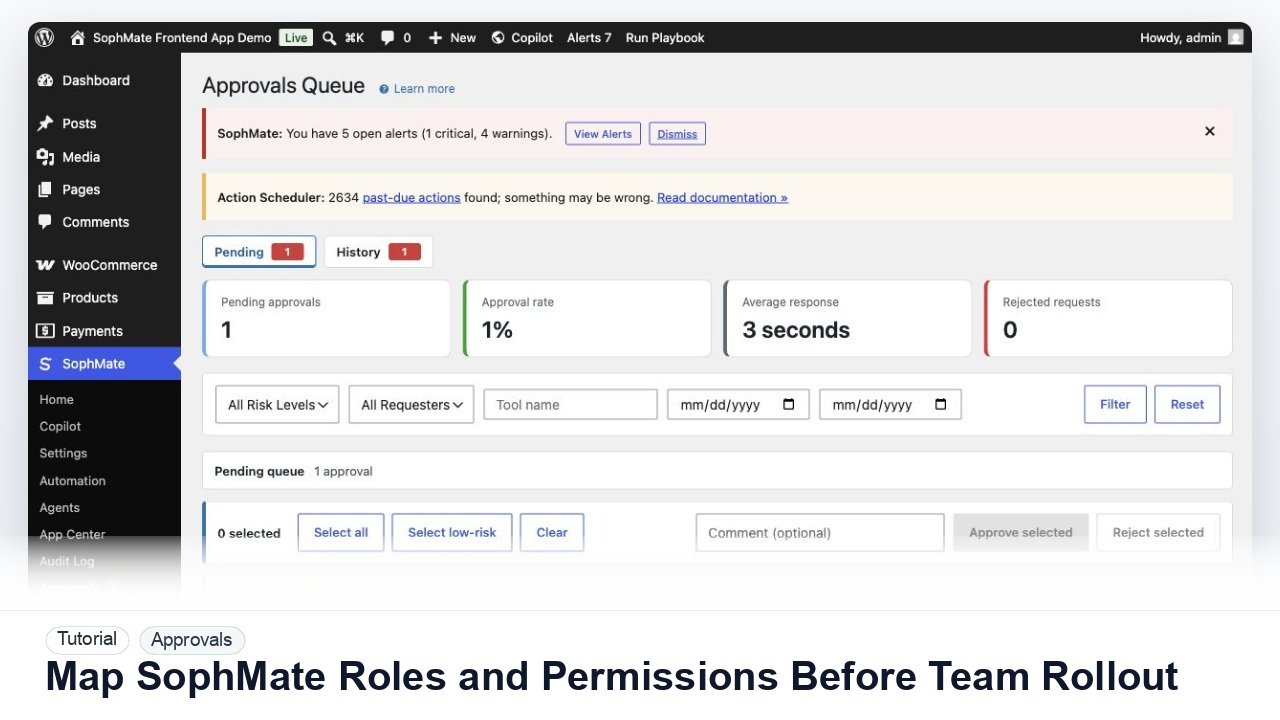
Map administrators, editors, marketers, support users, agency operators, and developers to SophMate capabilities before opening AI workflows to a wider team.