Read the Audit Log After an AI-Assisted Change
Use the SophMate Audit Log to verify who proposed, approved, executed, failed, retried, exported, or purged AI-assisted work.
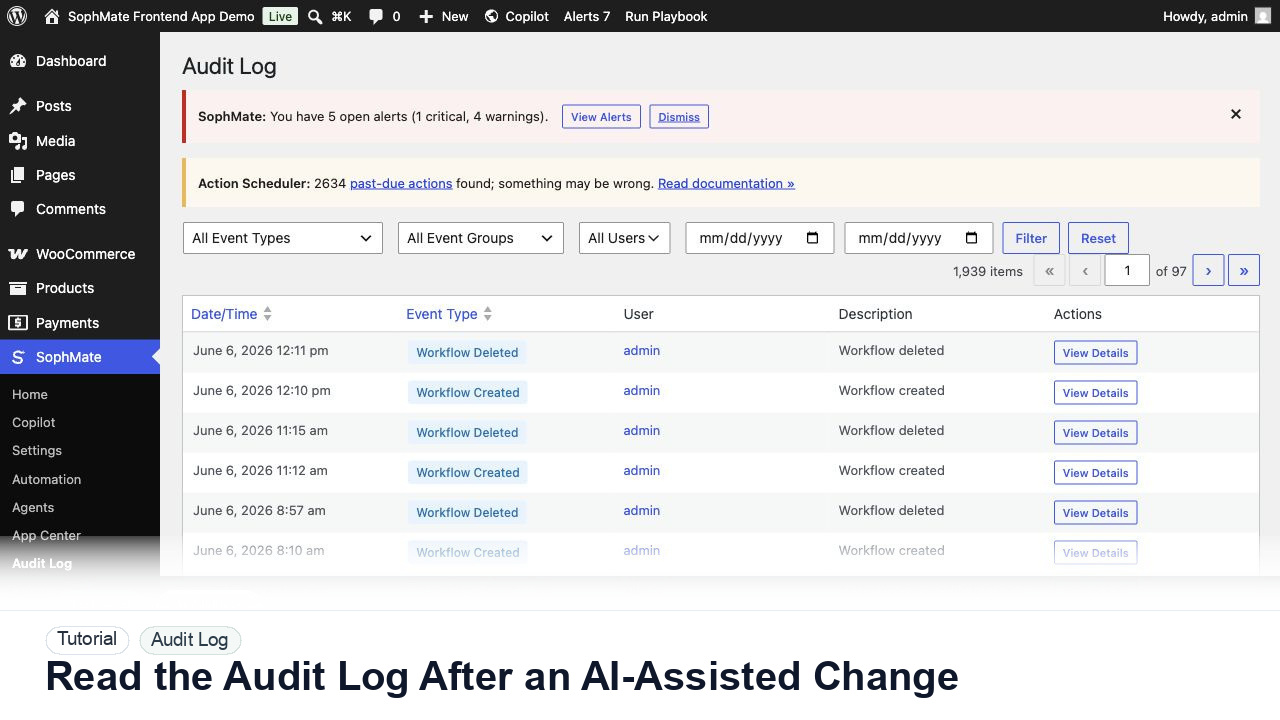
Use the SophMate Audit Log to verify who proposed, approved, executed, failed, retried, exported, or purged AI-assisted work.
By the end of this tutorial, you will know how to use SophMate for WordPress AI audit log while keeping the work reviewable inside WordPress.
A client asks why a coupon was created and who approved the change before a promotion went live.
Use this tutorial to evaluate whether SophMate changes can be reconstructed after the fact. Buyers should be able to connect proposals, approvals, execution, failure, retry, export, or purge events without exposing private payloads.
Reconstruct this SophMate change from the audit log. Connect proposal, approval, execution, failure, retry, export, or purge events without exposing secrets or unrelated customer data.
The tutorial image shows Audit Log context so governance workflows can be tied back to proposed, approved, executed, failed, retried, or purged actions.
Use these records to explain behavior without disclosing secrets or unnecessary customer data.
Open Audit Log and filter by date, actor, event type, or related plan when available. Start from the business event, not only the user.
Look for proposal, approval, execution, retry, failure, and completion events. A single record rarely tells the whole story.
Audit details should explain the decision without exposing provider keys, customer secrets, or unnecessary personal data.
When possible, open the action plan detail to review diff, risk, reviewer note, and execution result.
If the change was confusing, update the playbook, workflow, or approval policy so the next event is easier to review.
The audit review is successful when proposal, approval, execution, failure, retry, export, or purge events can be connected into a clear operational story.
If evidence is incomplete or unsafe to share, stop escalation until redaction, timestamps, environment details, and reproduction steps are corrected.
Document the event chain, check results, support-safe report, reproduction steps, redaction review, and owner for the next action.
The site administrator or operations lead should review these records after incidents, before support contact, and during governance checks.
Escalate when support evidence is incomplete, redaction is uncertain, or the event chain cannot explain what happened.
Usually no. Review proposal, approval, execution, failure, retry, export, or purge events together so the team can explain the whole decision chain.
No. SophMate should make the work easier to draft, inspect, approve, and repeat. Human review remains necessary when output affects customers, money, published content, privacy, settings, or workflow execution.
Record the owner, input scope, access boundary, approval point, failure modes tested, evidence location, monitoring window, and rollback or stop path.
Reconstruct one complete event chain and save the redacted evidence package before using the export for support, client reporting, or incident review.
Next step
Review the SophMate listing for current package details, screenshots, compatibility notes, and license terms.
Related
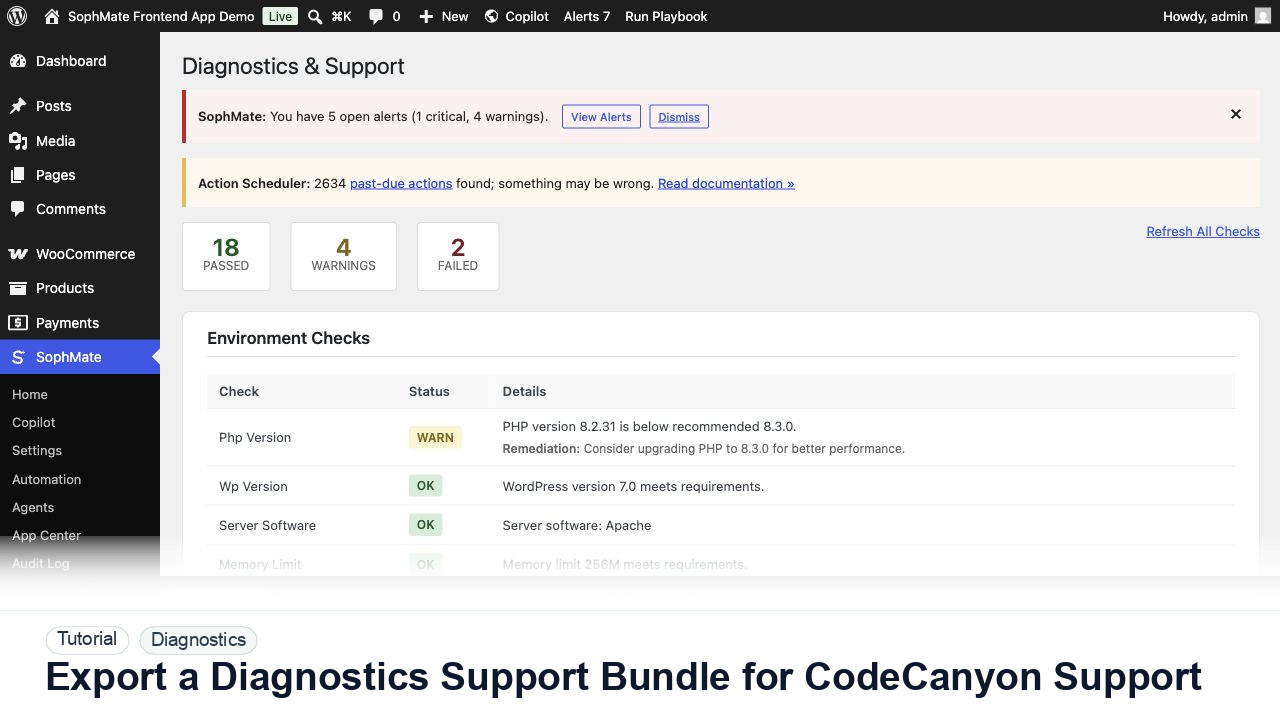
Use SophMate Diagnostics and Support to check environment status, provider connectivity, PHP extensions, plugin inventory, and support bundle data before contacting support.
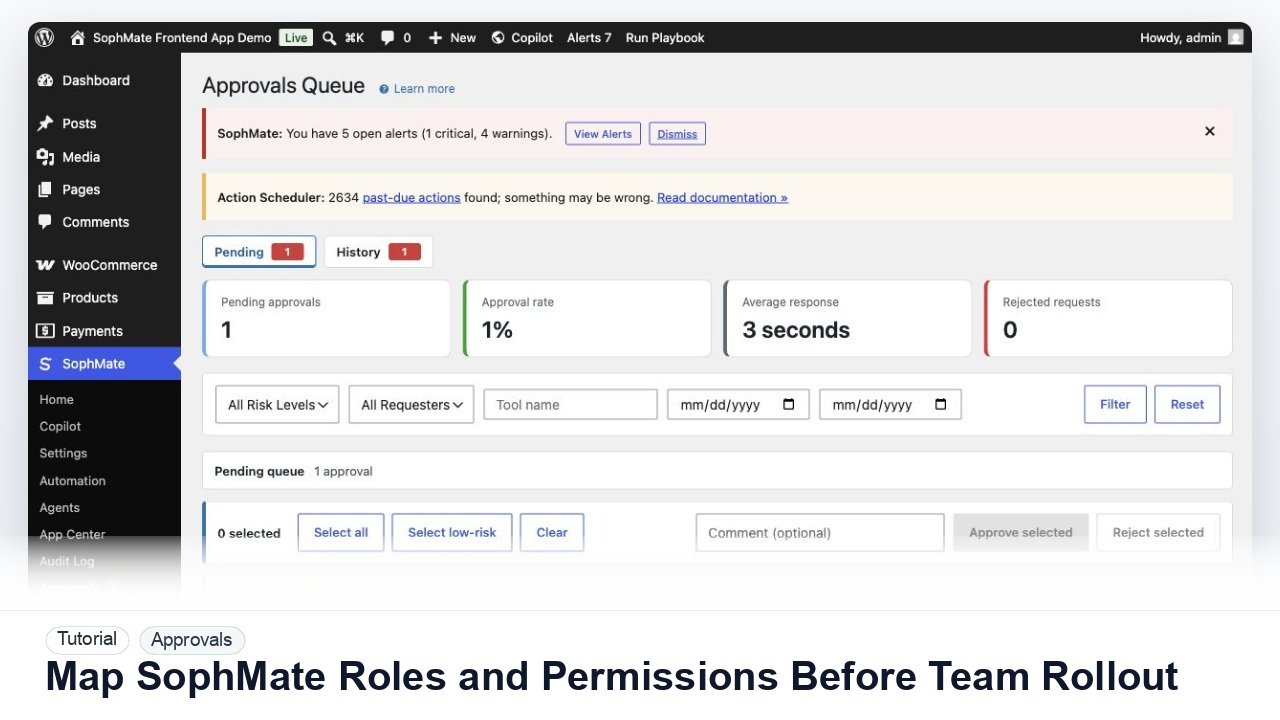
Map administrators, editors, marketers, support users, agency operators, and developers to SophMate capabilities before opening AI workflows to a wider team.
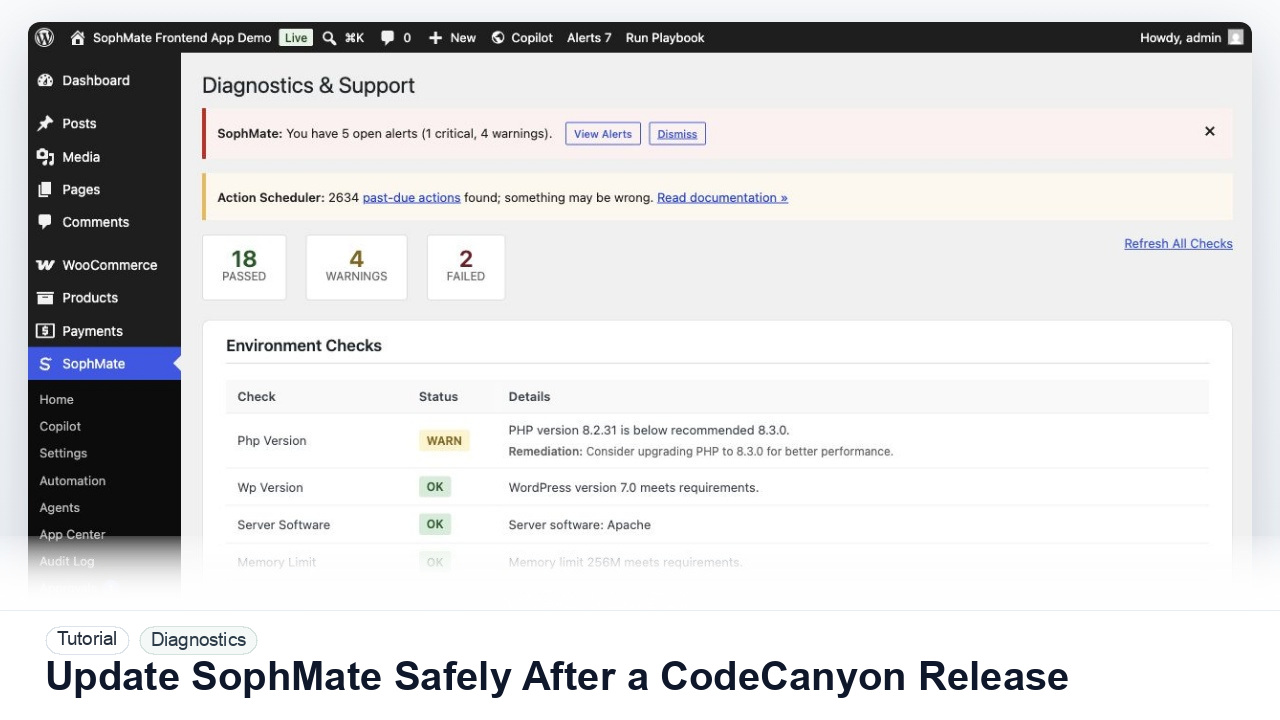
Prepare backups, staging checks, diagnostics, provider tests, workflow pauses, and rollback notes before updating SophMate from a CodeCanyon release.