Run a Monthly SophMate Governance Review
Review SophMate budgets, provider ownership, roles, approvals, audit logs, Knowledge Base quality, workflows, agents, and support readiness once a month.
Review SophMate budgets, provider ownership, roles, approvals, audit logs, Knowledge Base quality, workflows, agents, and support readiness once a month.
By the end of this tutorial, you will know how to use SophMate for SophMate governance review while keeping the work reviewable inside WordPress.
An agency or site owner wants a repeatable monthly review so AI workflows stay useful, safe, and easy to explain after launch.
Use this tutorial to evaluate whether SophMate can stay manageable after launch. Buyers should see how budgets, approvals, stale sources, failed plans, role changes, diagnostics, workflows, and agents are reviewed as ongoing operations.
Summarize this month of SophMate usage for governance review. Include budget changes, rejected or failed plans, high-risk approvals, stale sources, workflow changes, diagnostics warnings, and owners for follow-up.
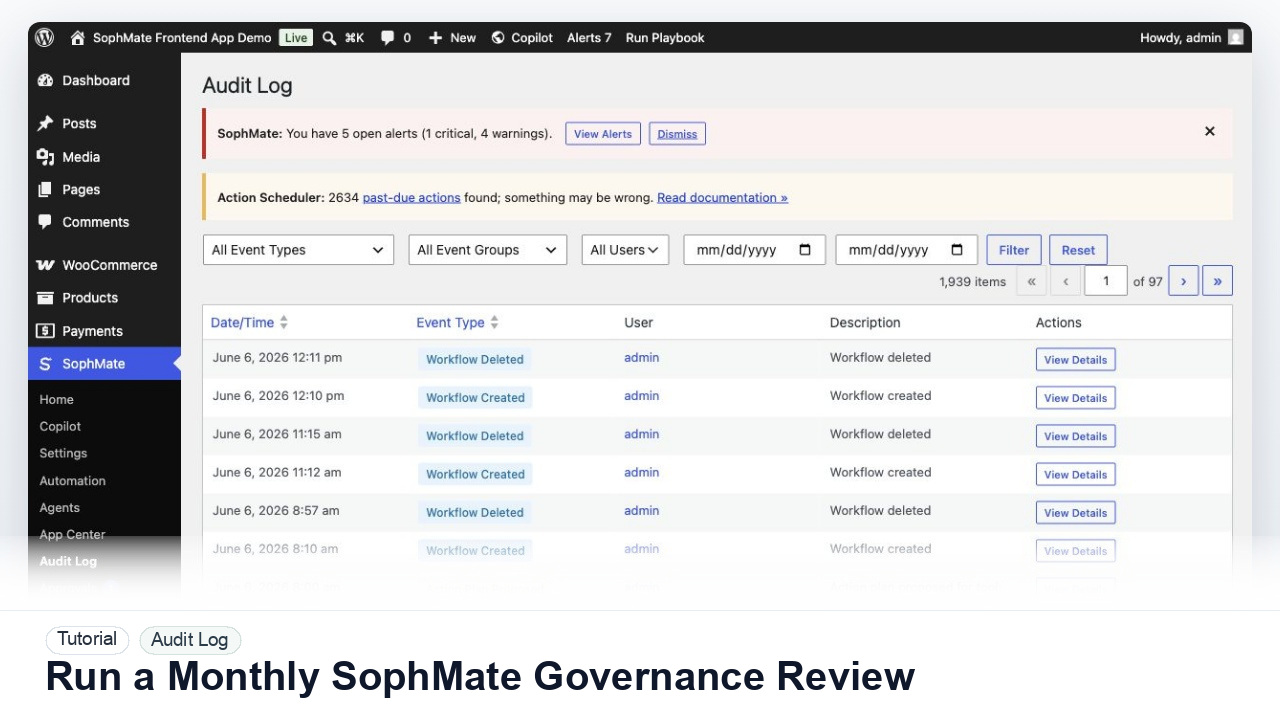
The tutorial image shows Audit Log context so governance workflows can be tied back to proposed, approved, executed, failed, retried, or purged actions.
Use these records to explain behavior without disclosing secrets or unnecessary customer data.
Check provider ownership, monthly spend, per-user limits, budget blocks, and any workflows that consumed more than expected.
Look at pending plans, rejected plans, bulk approvals, high-risk decisions, failed executions, and whether reviewer notes are clear enough for later audit.
Check enabled workflows, watchers, kill switches, agent runs, eval failures, tool errors, and whether any workflow should be paused, narrowed, or retired.
Inspect stale Knowledge Base items, frequently cited policies, weak support drafts, diagnostics warnings, and support-bundle readiness.
Write down permission changes, workflow changes, policy updates, budget adjustments, and any training or documentation the team needs.
The audit review is successful when proposal, approval, execution, failure, retry, export, or purge events can be connected into a clear operational story.
If evidence is incomplete or unsafe to share, stop escalation until redaction, timestamps, environment details, and reproduction steps are corrected.
Document budget changes, approval patterns, rejected or failed plans, workflow and agent changes, stale Knowledge Base items, diagnostics warnings, role changes, and owners for next-month follow-up.
A site owner, agency account lead, or operations lead should run this review monthly. High-traffic WooCommerce stores or teams using workflows heavily may need a shorter weekly review for approvals and failed runs.
Escalate when approval volume grows without owners, high-risk plans lack reviewer notes, budget usage changes sharply, workflow failures repeat, or audit records cannot explain production changes.
Usually no. Review proposal, approval, execution, failure, retry, export, or purge events together so the team can explain the whole decision chain.
No. SophMate should make the work easier to draft, inspect, approve, and repeat. Human review remains necessary when output affects customers, money, published content, privacy, settings, or workflow execution.
Record the owner, input scope, access boundary, approval point, failure modes tested, evidence location, monitoring window, and rollback or stop path.
Turn the governance notes into named follow-up tasks for budgets, stale sources, failed runs, permissions, diagnostics, and workflow changes before the next review cycle starts.
Next step
Review the SophMate listing for current package details, screenshots, compatibility notes, and license terms.
Related
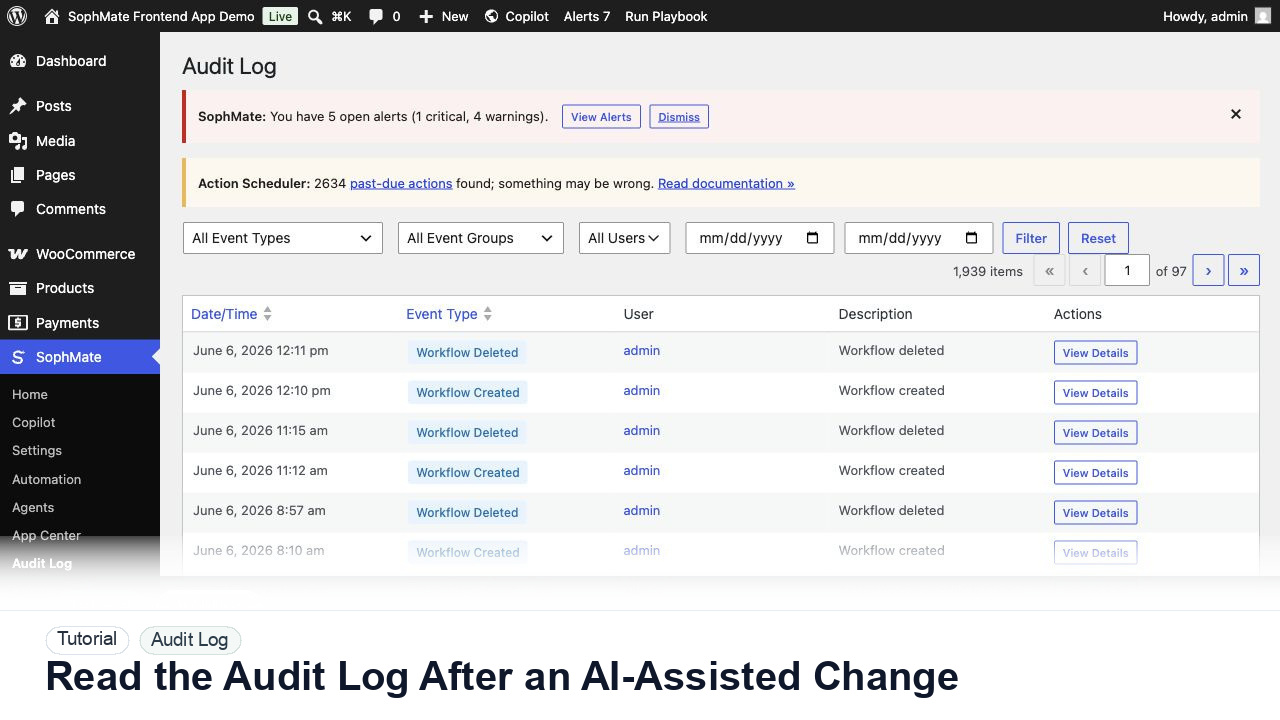
Use the SophMate Audit Log to verify who proposed, approved, executed, failed, retried, exported, or purged AI-assisted work.
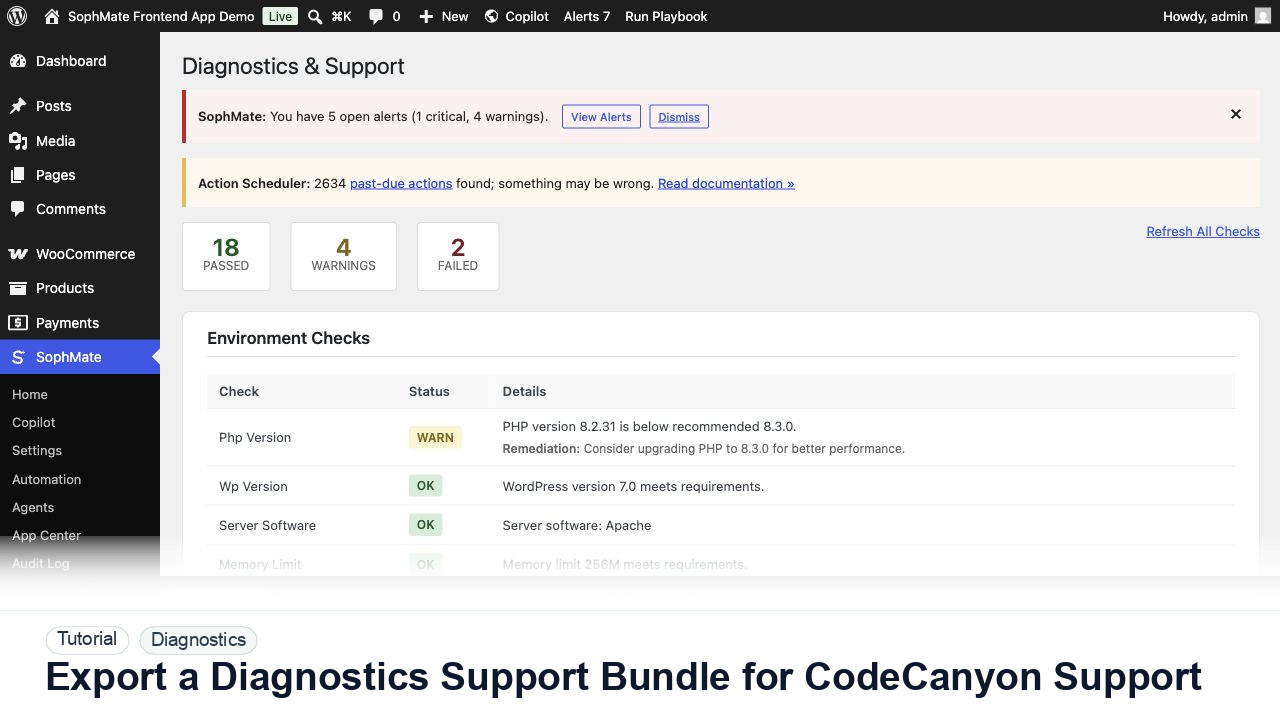
Use SophMate Diagnostics and Support to check environment status, provider connectivity, PHP extensions, plugin inventory, and support bundle data before contacting support.
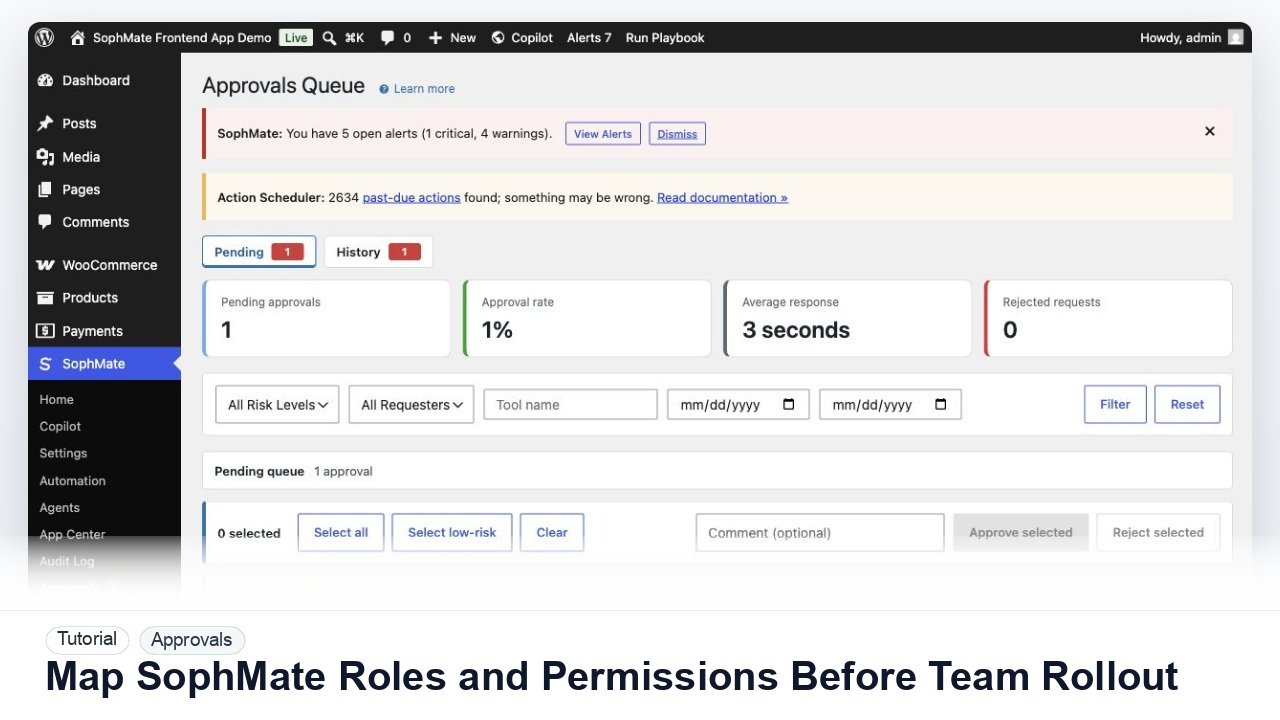
Map administrators, editors, marketers, support users, agency operators, and developers to SophMate capabilities before opening AI workflows to a wider team.