Run SophMate Slash Commands and Built-in Playbooks
Use slash commands such as weekly summaries, low-stock checks, coupon builders, support replies, and campaign briefs directly from Copilot.
Use slash commands such as weekly summaries, low-stock checks, coupon builders, support replies, and campaign briefs directly from Copilot.
By the end of this tutorial, you will know how to use SophMate for SophMate slash commands while keeping the work reviewable inside WordPress.
A store operator repeats the same weekly reporting, campaign, and support prompts and wants a faster, more consistent way to run them.
Use this tutorial to evaluate whether SophMate makes WordPress AI chat useful without creating untracked changes. The product signal is a clear path from read-only answers to reviewed action plans when a recommendation affects the site.
Answer this as a read-only Copilot review. Use the visible WordPress or WooCommerce context, name assumptions, avoid saving private customer details to memory, and turn any site-changing recommendation into an action plan.
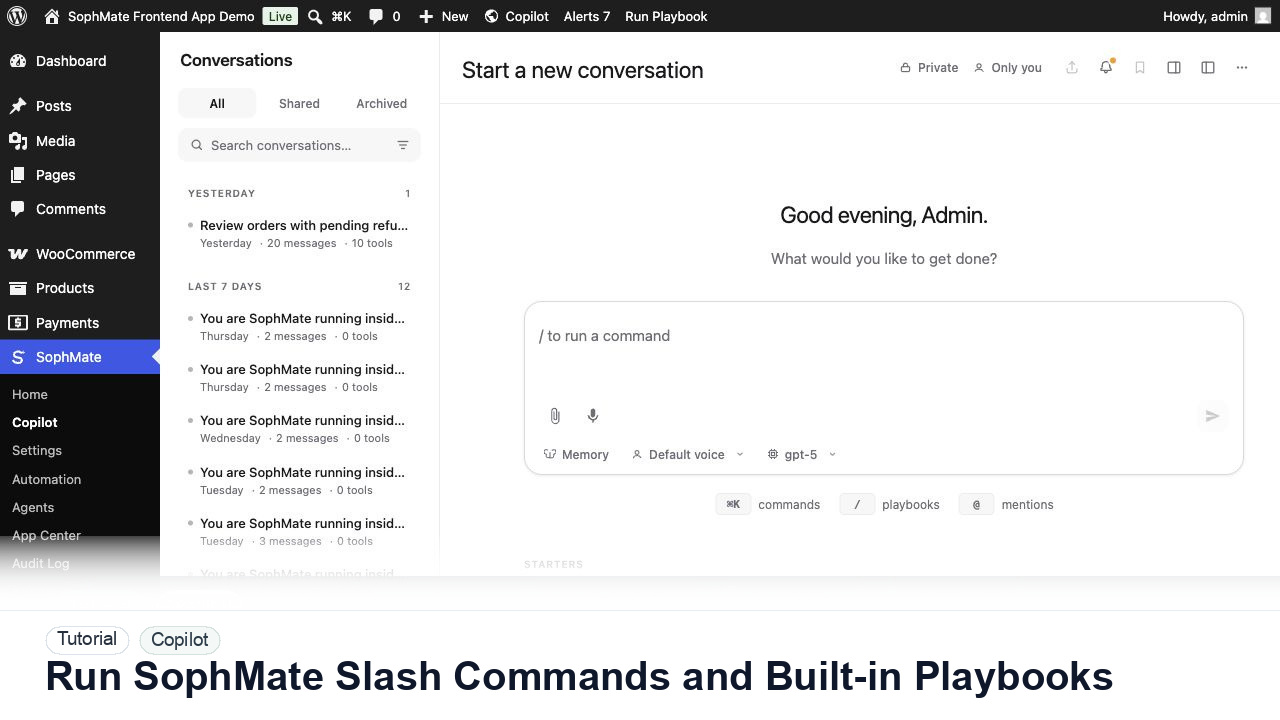
The tutorial image shows Copilot in wp-admin so the reader can connect the workflow to conversation history, slash commands, prompts, and the point where an answer may become a reviewed action plan.
Keep read-only questions conversational. When Copilot suggests changing products, coupons, content, customers, or settings, turn the recommendation into a reviewed plan.
In Copilot, type / to open the playbook autocomplete. Search by slug or title, then select the playbook that fits the task.
Analytics and chat playbooks return answers. Action plan playbooks, such as coupon builders or bulk product updates, create reviewable change plans.
Use clear values for product IDs, time periods, discount amounts, order IDs, tone, or campaign goals. Parameter prompts keep templates reusable without making them vague.
If a playbook output will be reused weekly, confirm that it includes the metrics, caveats, and internal links your team expects.
Agencies can export custom playbooks after they have been tested on a client site, then import them into similar sites with local adjustments.
The workflow is successful when Copilot produces a bounded answer, the user can verify the context, and any site-changing next step becomes a reviewed plan rather than an untracked edit.
If an answer is unsafe or unsupported, do not continue the thread as a change request. Start a narrower read-only prompt, improve source context, or move the work to a reviewed plan.
Document the prompt pattern, useful follow-up questions, source context used, and the point where the conversation should become an action plan.
The workflow owner should review this pattern after the first few uses, then promote stable prompts into playbooks when repeated work is clear.
Escalate when Copilot cannot access expected context, suggests unsafe changes repeatedly, or produces answers that cannot be verified from visible sources.
Treat Copilot as the planning and review surface. Product, coupon, customer, support, CSS, workflow, or settings changes should become an action plan or another reviewed workflow before execution.
No. SophMate should make the work easier to draft, inspect, approve, and repeat. Human review remains necessary when output affects customers, money, published content, privacy, settings, or workflow execution.
Record the owner, input scope, access boundary, approval point, failure modes tested, evidence location, monitoring window, and rollback or stop path.
Run one read-only prompt, then convert only the safest useful recommendation into an action plan so the team can inspect the handoff from chat to governed change.
Next step
Review the SophMate listing for current package details, screenshots, compatibility notes, and license terms.
Related
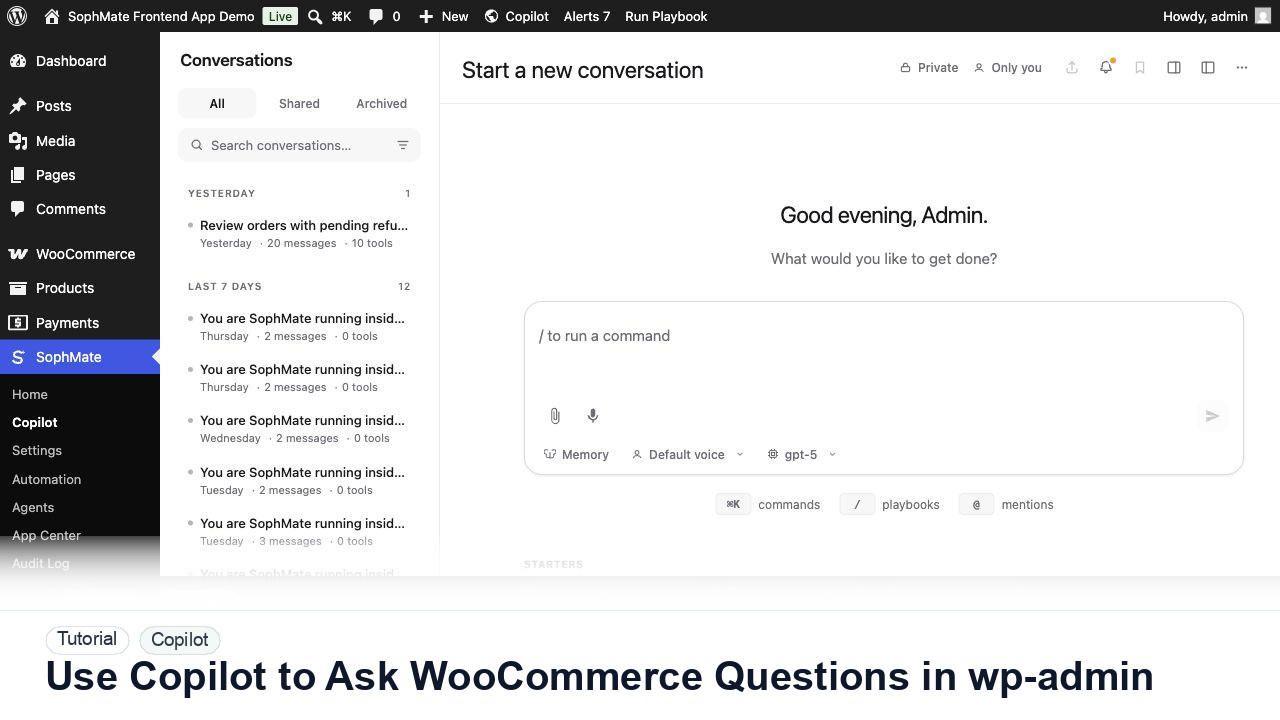
Ask SophMate Copilot about WooCommerce sales, orders, refunds, products, and next steps without leaving the WordPress admin screen.
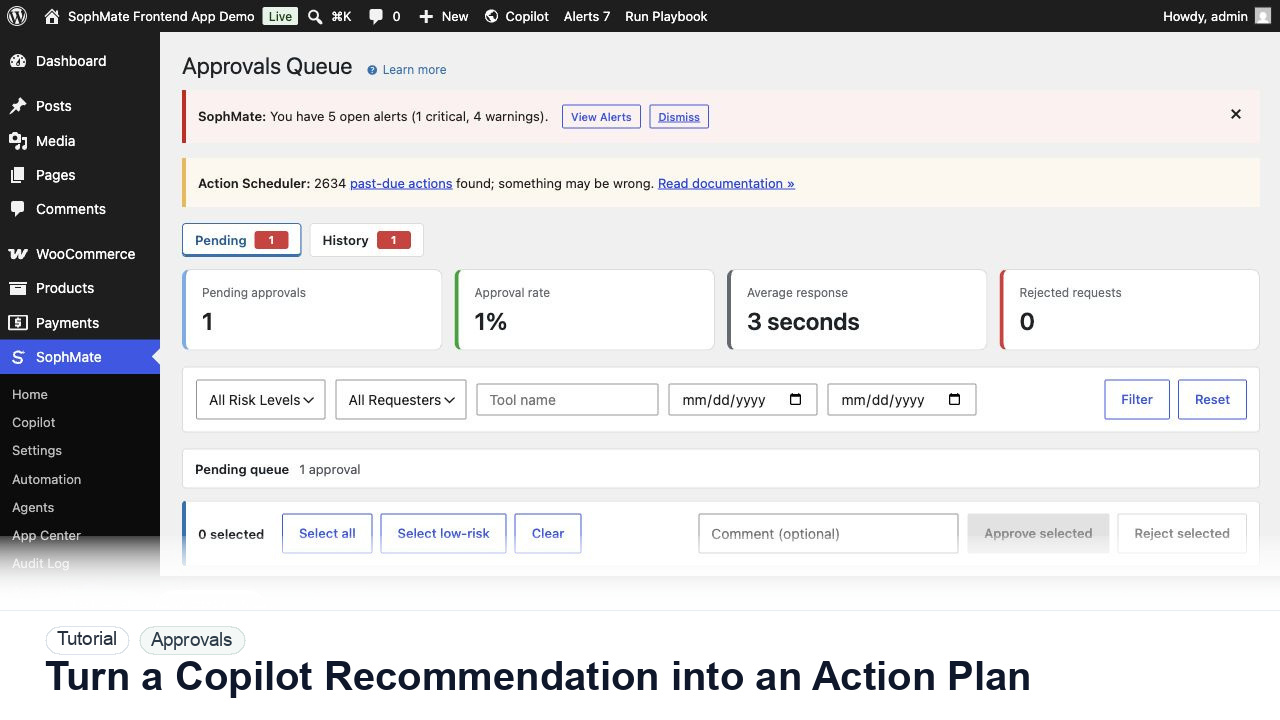
Convert a Copilot recommendation into a SophMate action plan with risk level, diff preview, reviewer notes, and approval before execution.
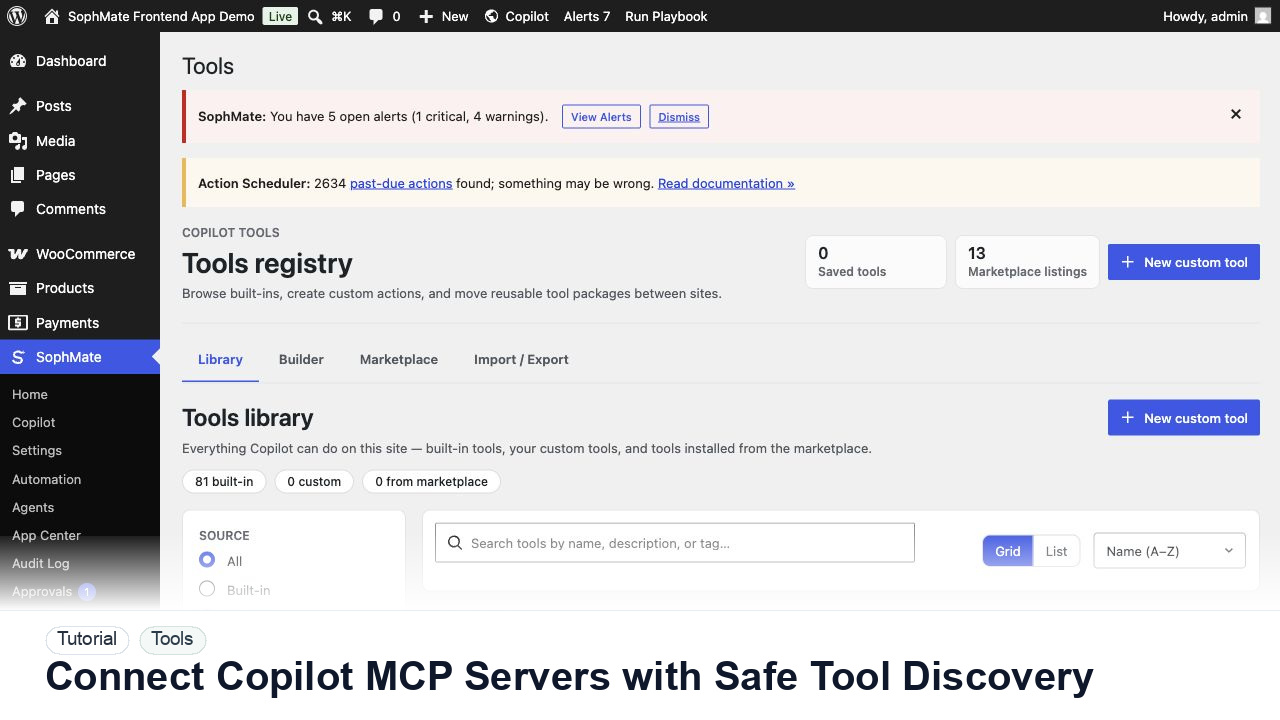
Register, test, refresh, and review Copilot MCP servers before their tools can influence SophMate prompts, agents, or workflows.