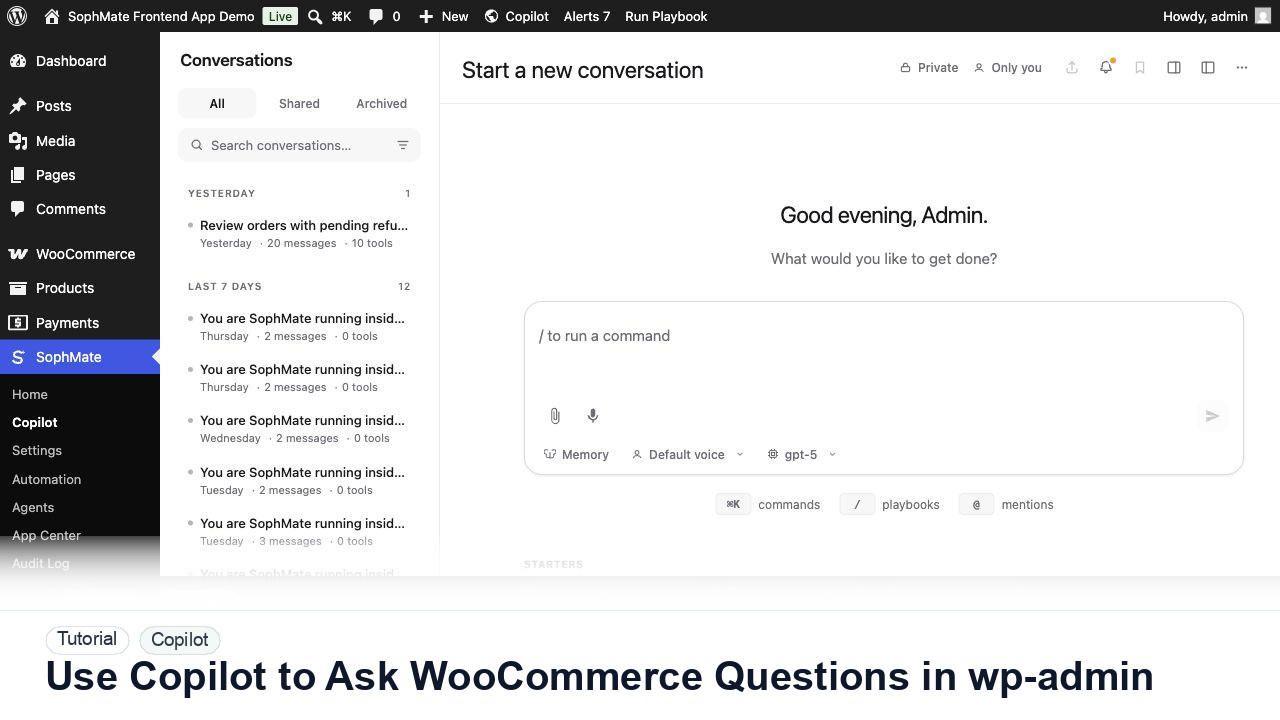
Use Copilot to Ask WooCommerce Questions in wp-admin
Ask SophMate Copilot about WooCommerce sales, orders, refunds, products, and next steps without leaving the WordPress admin screen.
Tutorial tag
Related SophMate tutorials. Tag archives stay noindex until they are curated into high-value search pages.
Ask SophMate Copilot about WooCommerce sales, orders, refunds, products, and next steps without leaving the WordPress admin screen.
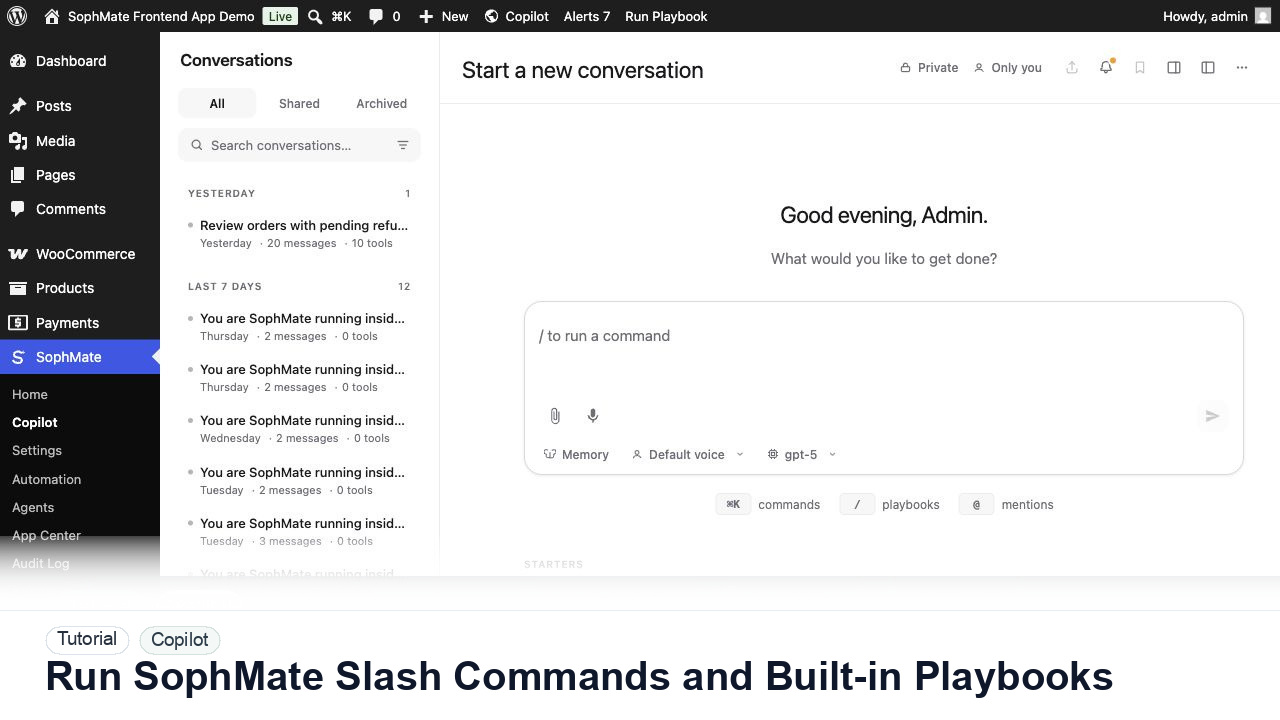
Use slash commands such as weekly summaries, low-stock checks, coupon builders, support replies, and campaign briefs directly from Copilot.
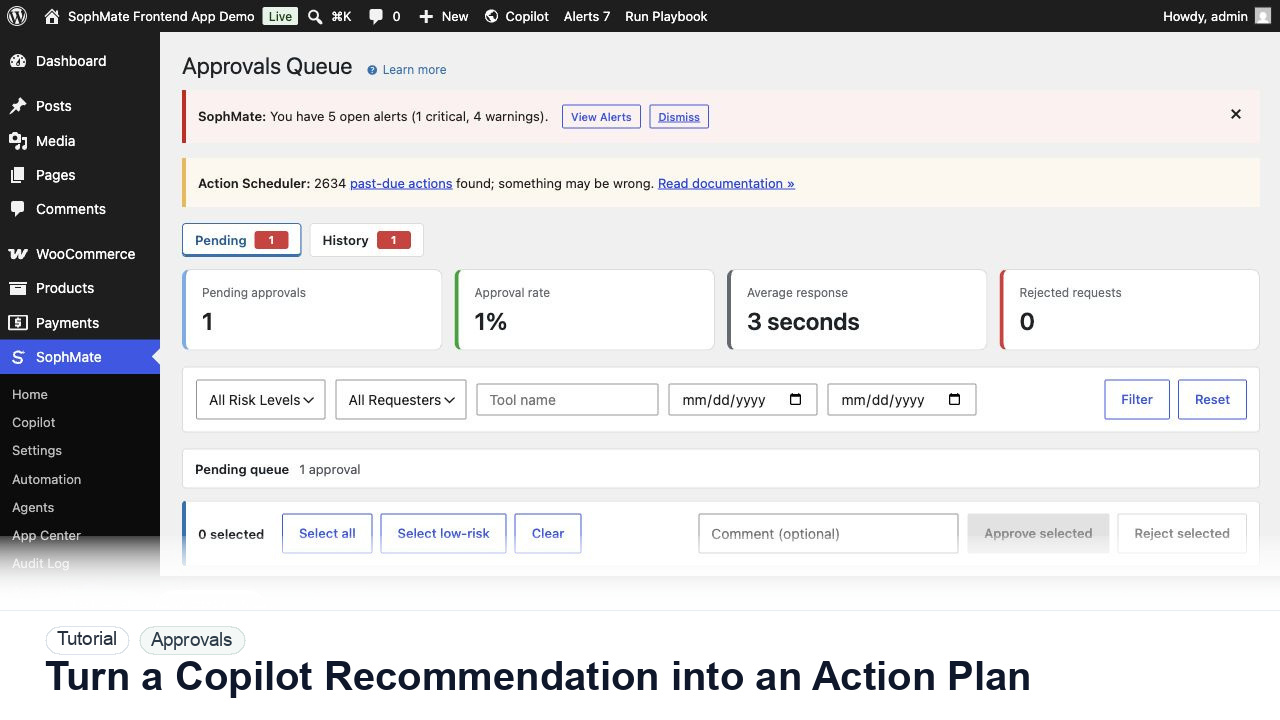
Convert a Copilot recommendation into a SophMate action plan with risk level, diff preview, reviewer notes, and approval before execution.
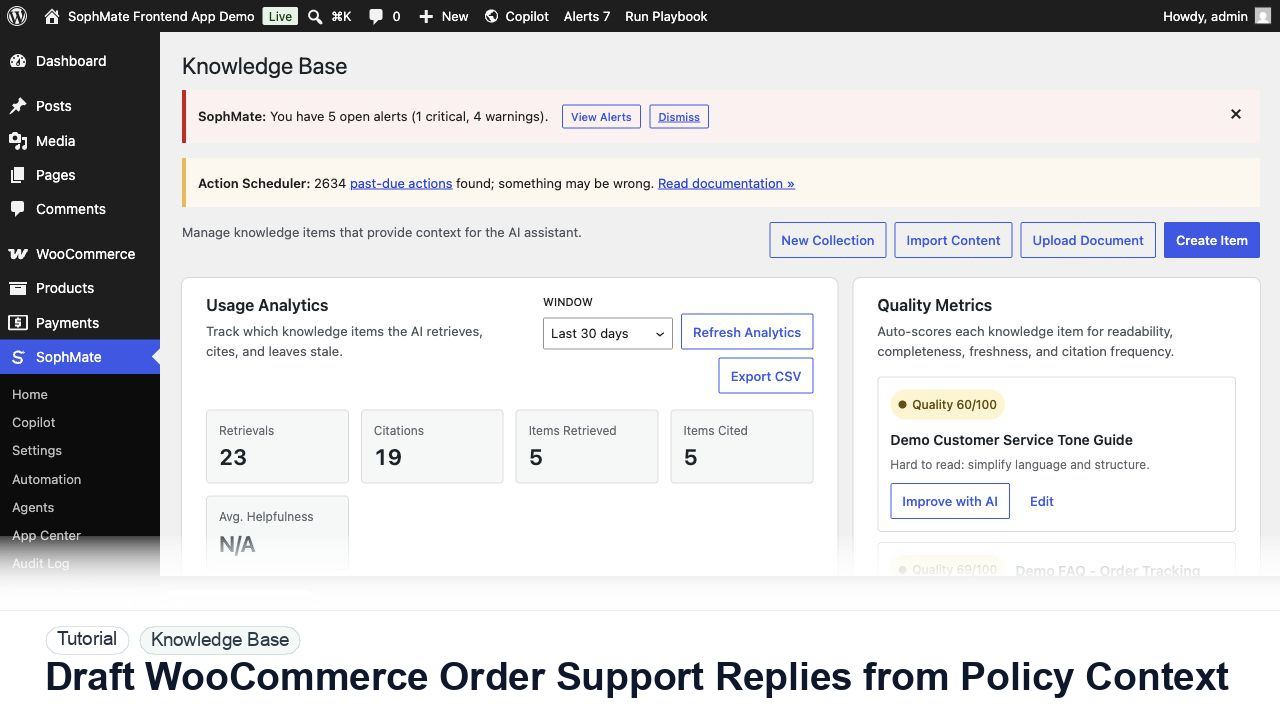
Draft WooCommerce order replies using order context, Knowledge Base policies, tone guides, and review controls before sending anything to a customer.
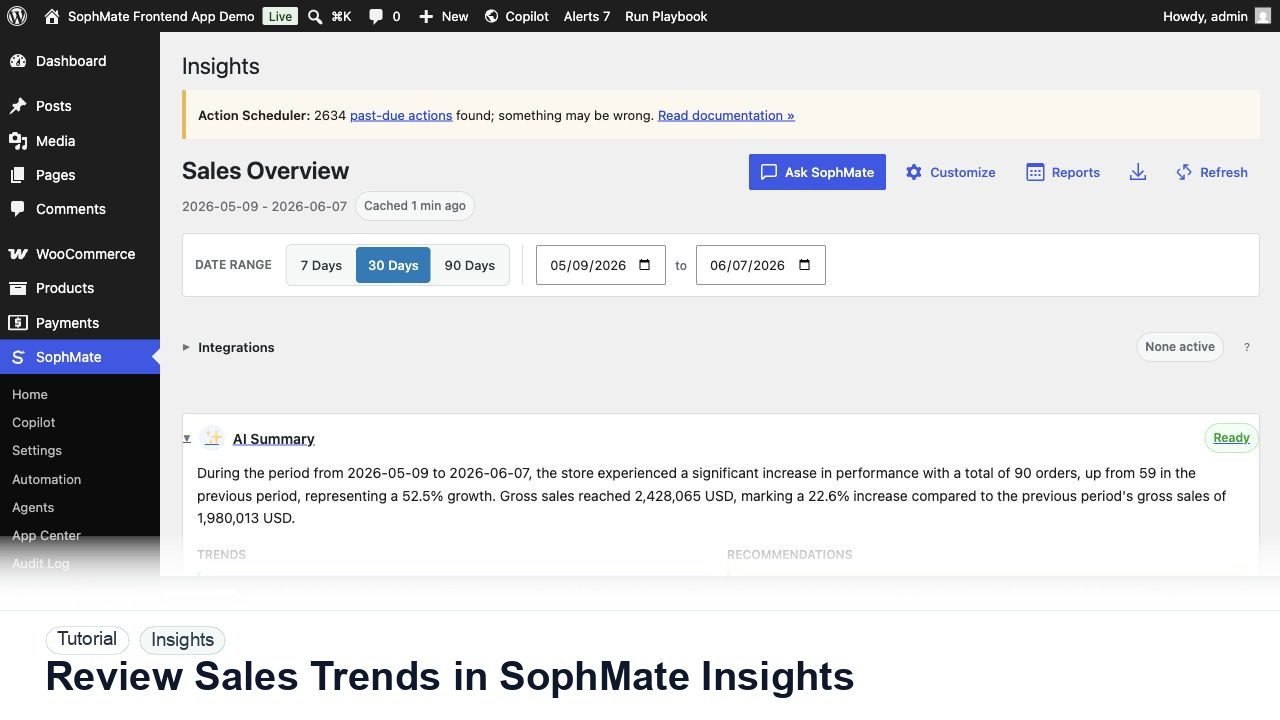
Use SophMate Insights to review WooCommerce net sales, orders, average order value, refunds, profit, goals, AI summaries, and report exports.
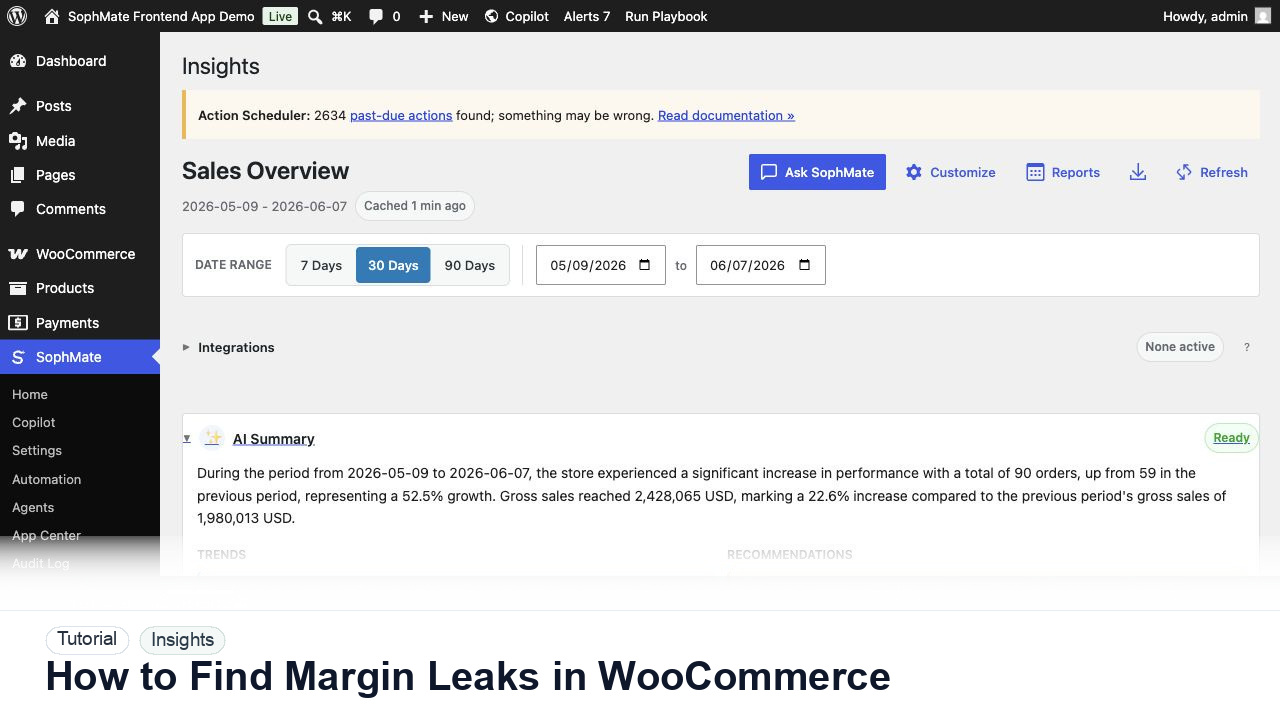
Use SophMate Insights to find WooCommerce margin leaks caused by discounts, refunds, shipping patterns, and low-profit product mixes.
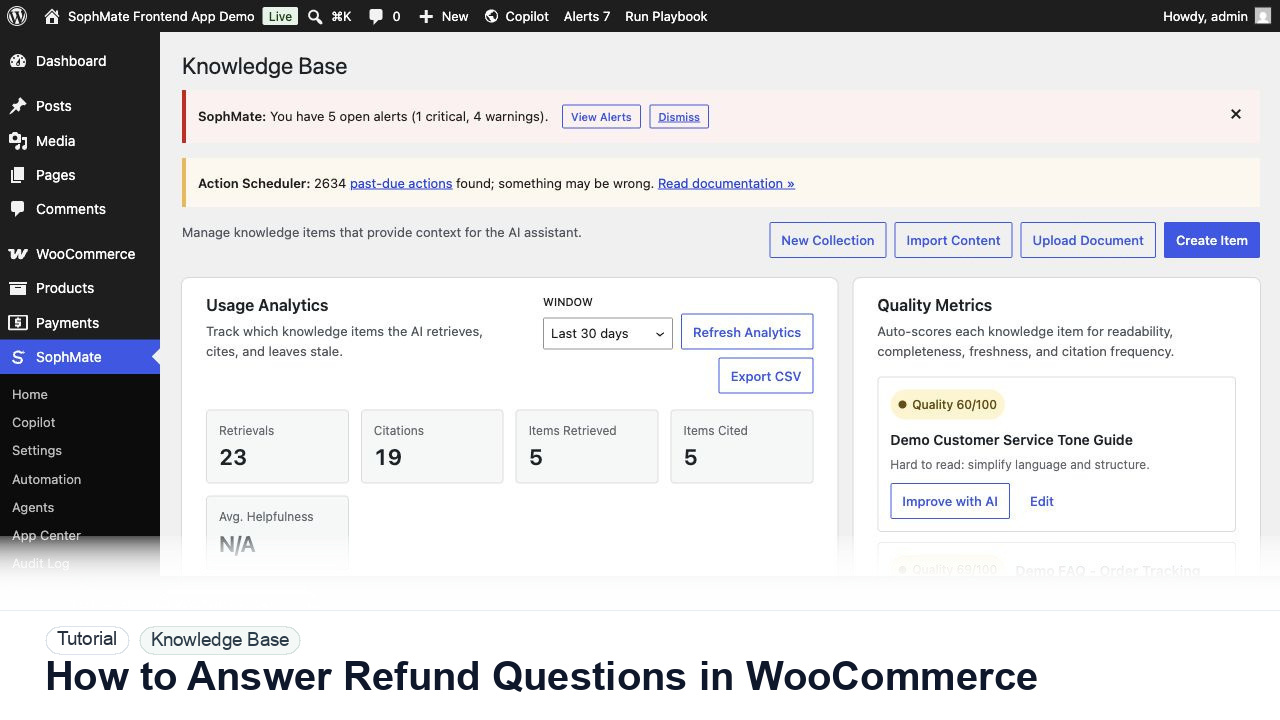
Use SophMate to draft WooCommerce refund replies from order context, Knowledge Base policy sources, tone rules, and human review.
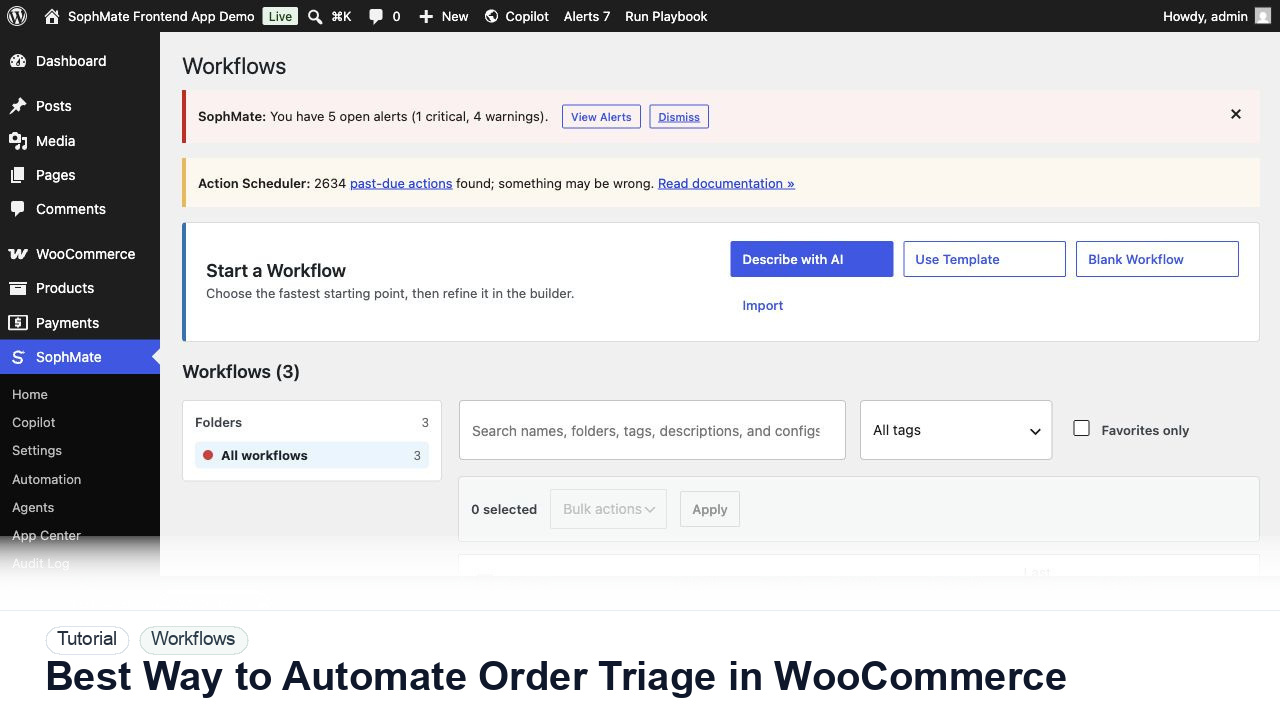
Use SophMate workflows to automate WooCommerce order triage for delayed, failed, high-value, or exception-heavy orders.
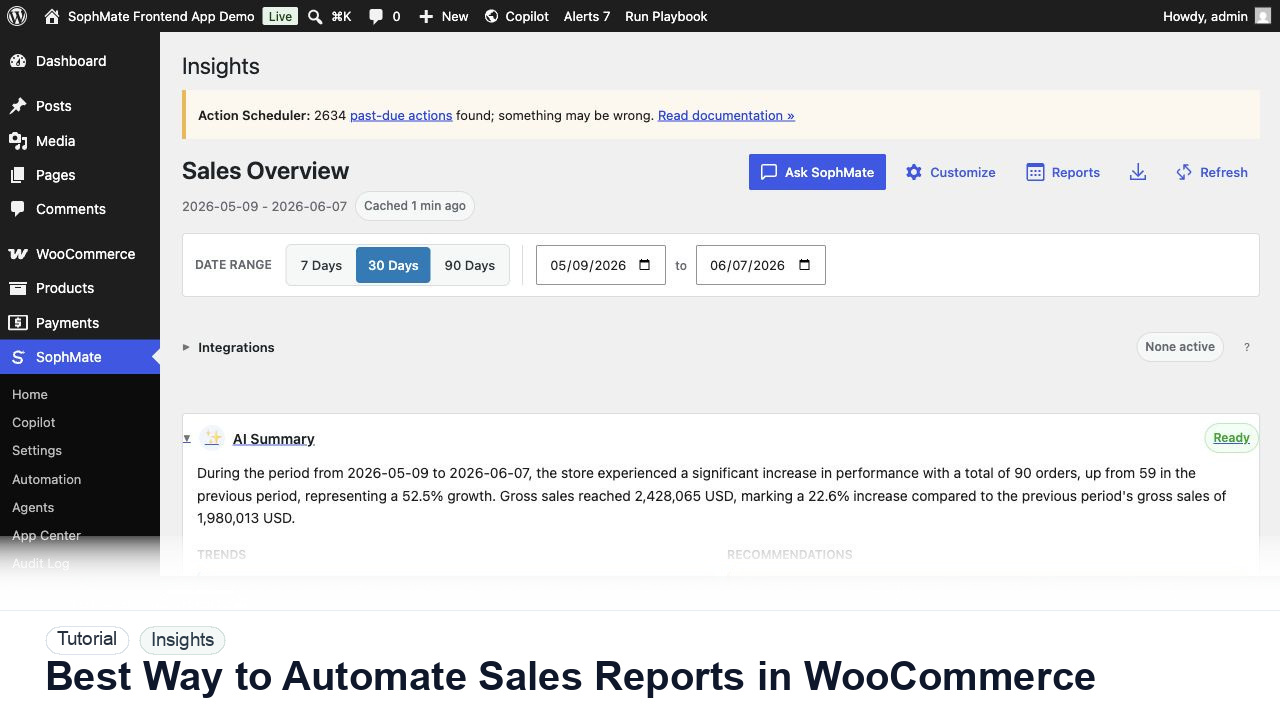
Use SophMate Insights to automate WooCommerce sales reports with date ranges, refund context, owners, and decision boundaries.