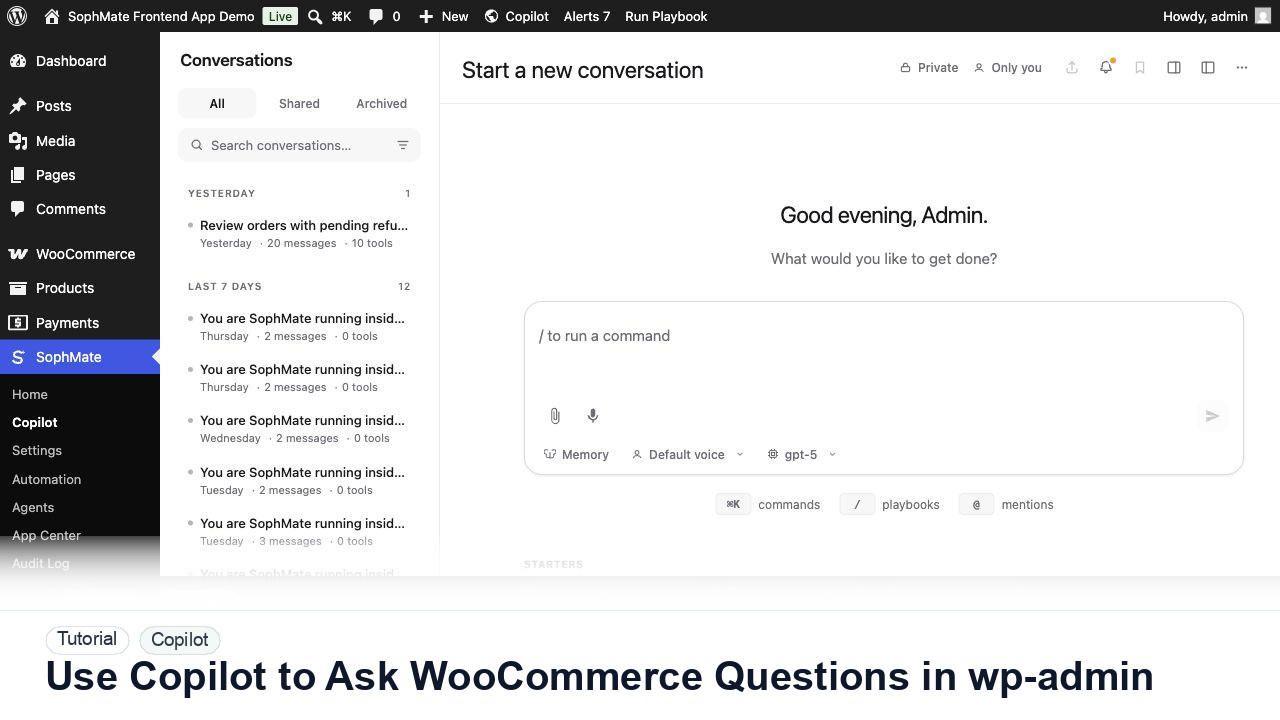
Use Copilot to Ask WooCommerce Questions in wp-admin
Ask SophMate Copilot about WooCommerce sales, orders, refunds, products, and next steps without leaving the WordPress admin screen.
Tutorial category
Use the fullscreen Copilot, conversation history, slash commands, memory controls, built-in playbooks, and action-plan handoff from WordPress admin.
Ask SophMate Copilot about WooCommerce sales, orders, refunds, products, and next steps without leaving the WordPress admin screen.
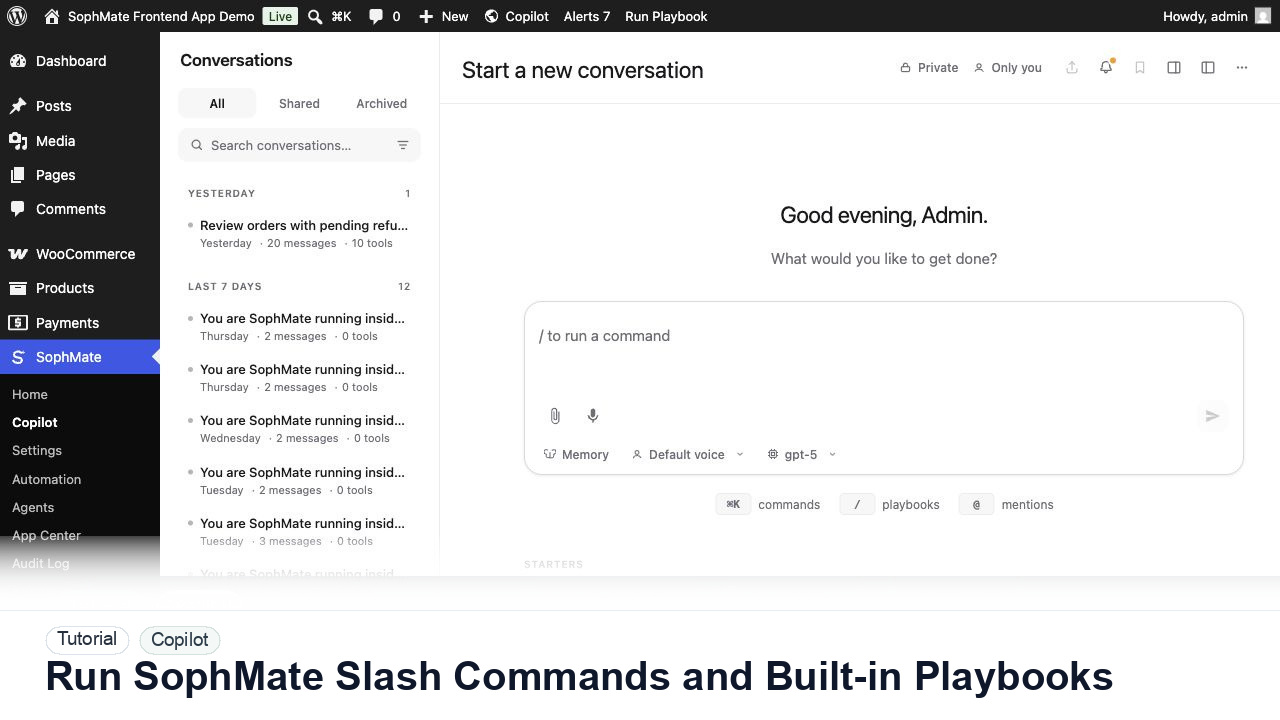
Use slash commands such as weekly summaries, low-stock checks, coupon builders, support replies, and campaign briefs directly from Copilot.
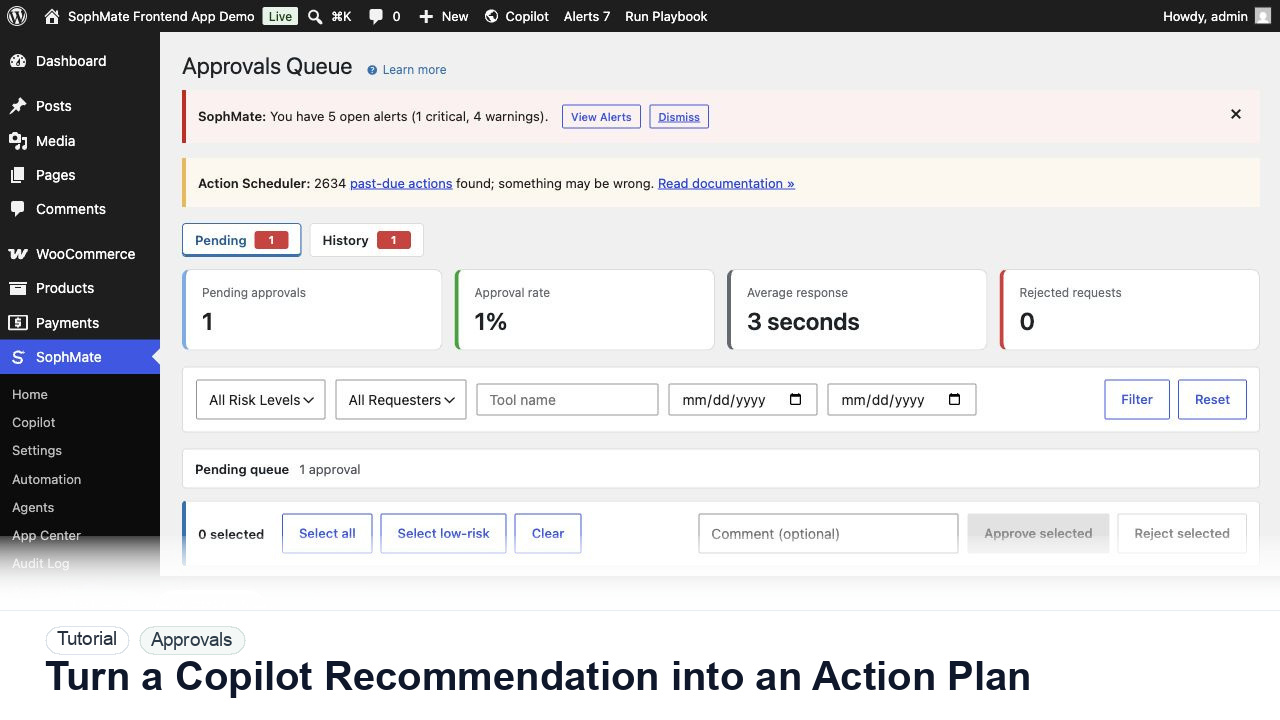
Convert a Copilot recommendation into a SophMate action plan with risk level, diff preview, reviewer notes, and approval before execution.
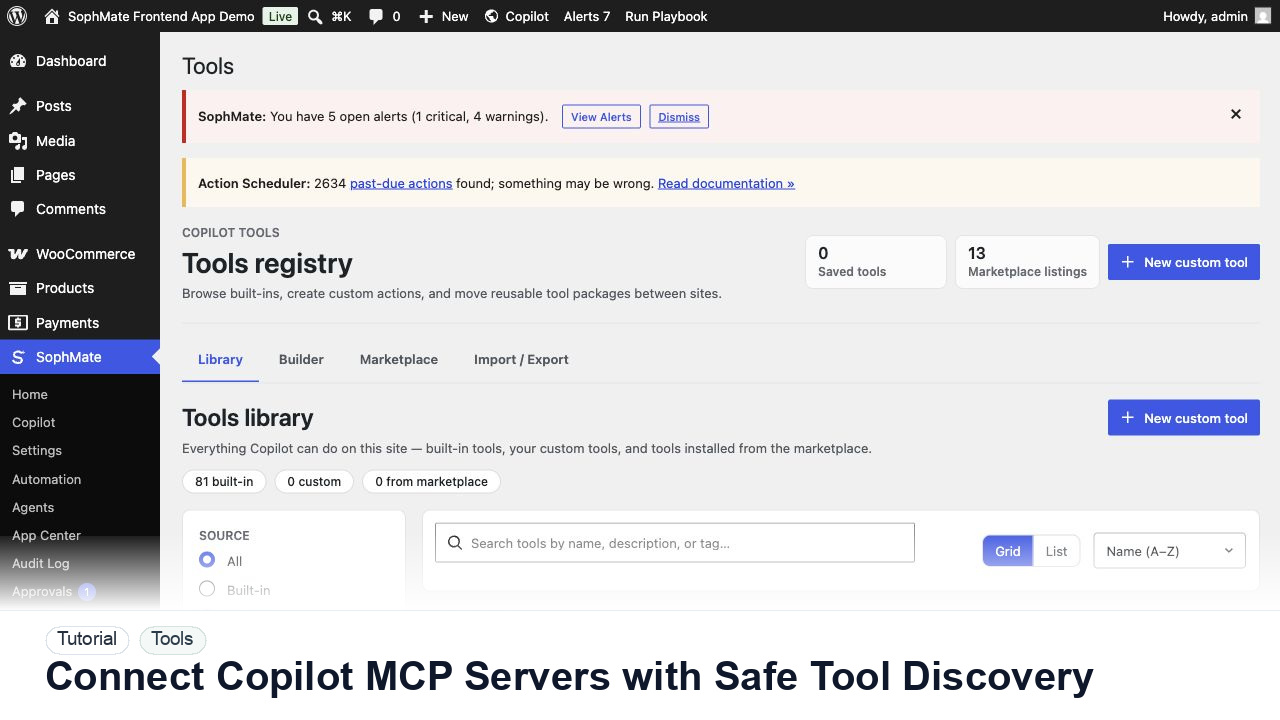
Register, test, refresh, and review Copilot MCP servers before their tools can influence SophMate prompts, agents, or workflows.
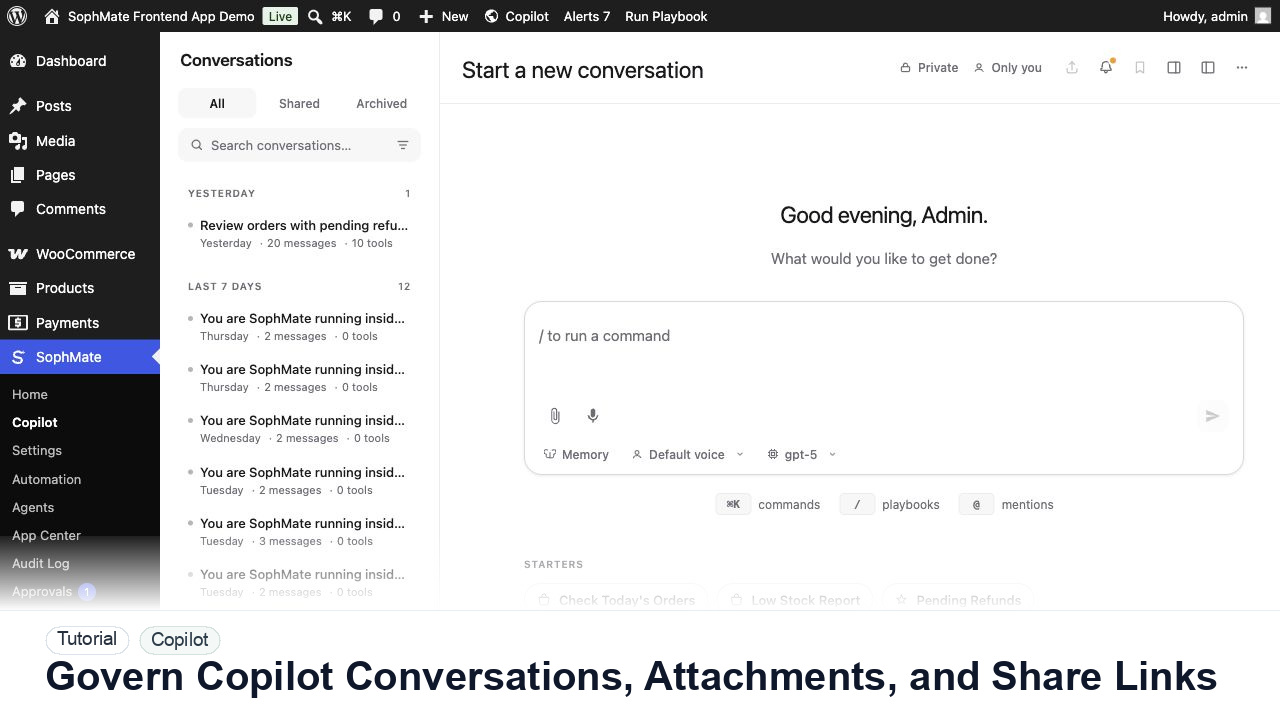
Review Copilot conversations, branches, bookmarks, pins, attachments, team inbox state, exports, and share links without exposing private data.
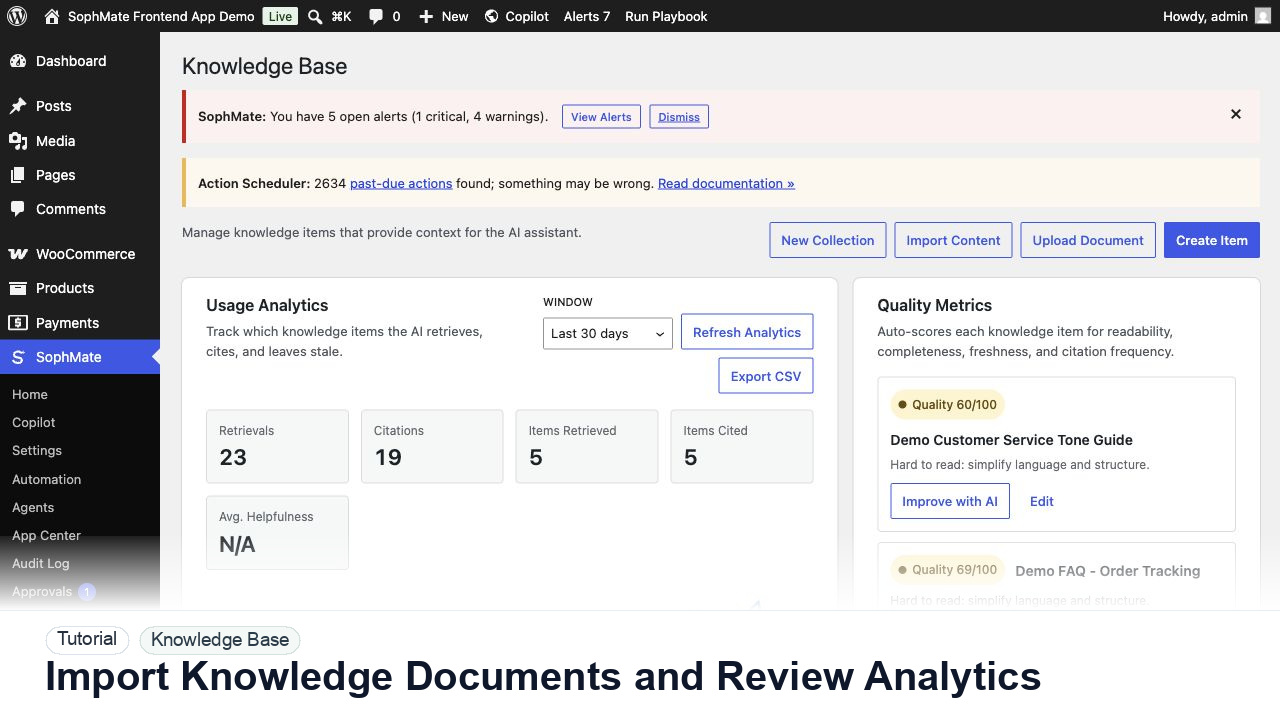
Upload Knowledge Base documents, organize collections, improve items with AI, review revisions, and export analytics before support answers rely on them.
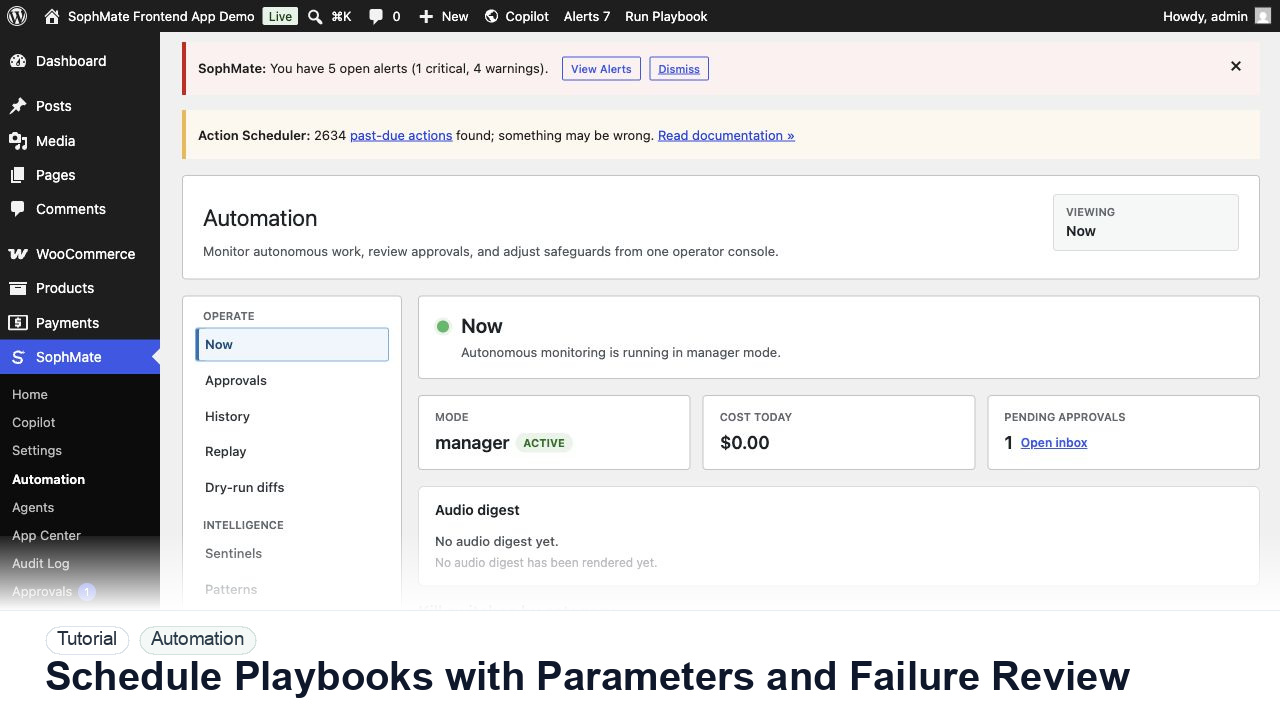
Schedule SophMate playbooks with parameters, owners, dry runs, retries, and failure review before using recurring workflows on client sites.