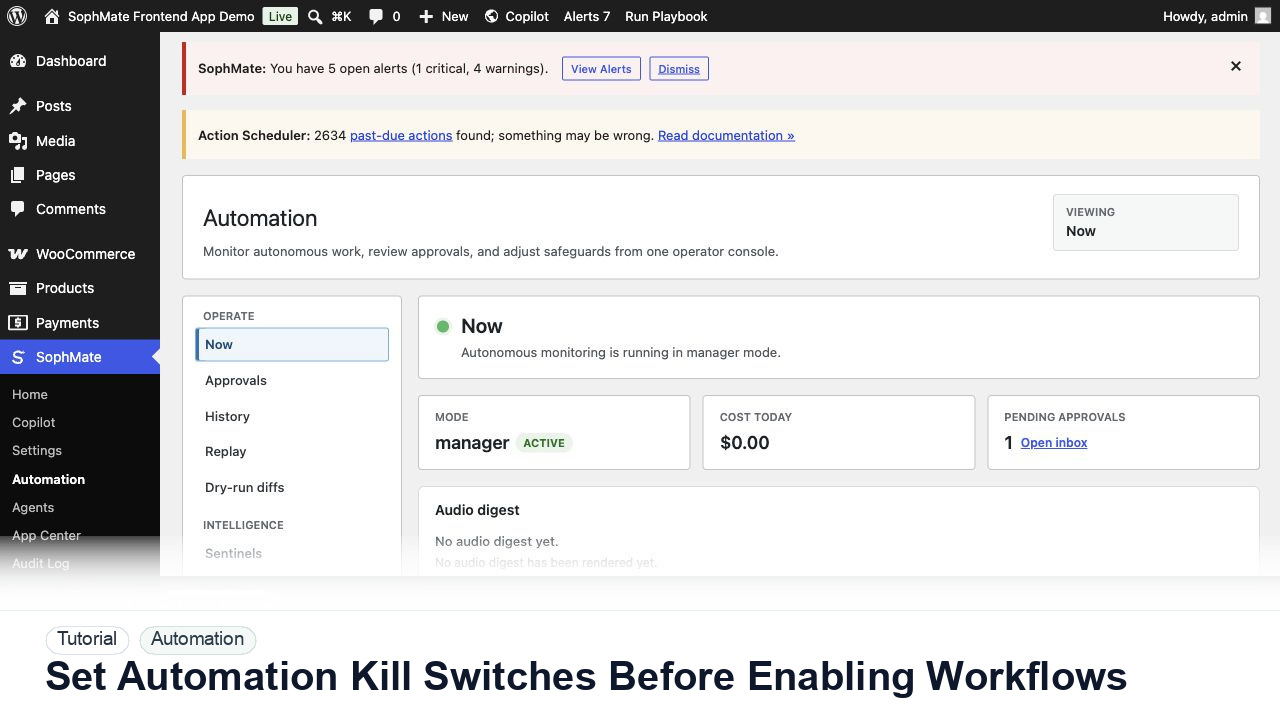
Set Workflow Kill Switches Before Enabling Workflows
Configure SophMate workflow kill switches and ownership rules before enabling workflows that can affect WooCommerce or WordPress operations.
Tutorial tag
Related SophMate tutorials. Tag archives stay noindex until they are curated into high-value search pages.
Configure SophMate workflow kill switches and ownership rules before enabling workflows that can affect WooCommerce or WordPress operations.
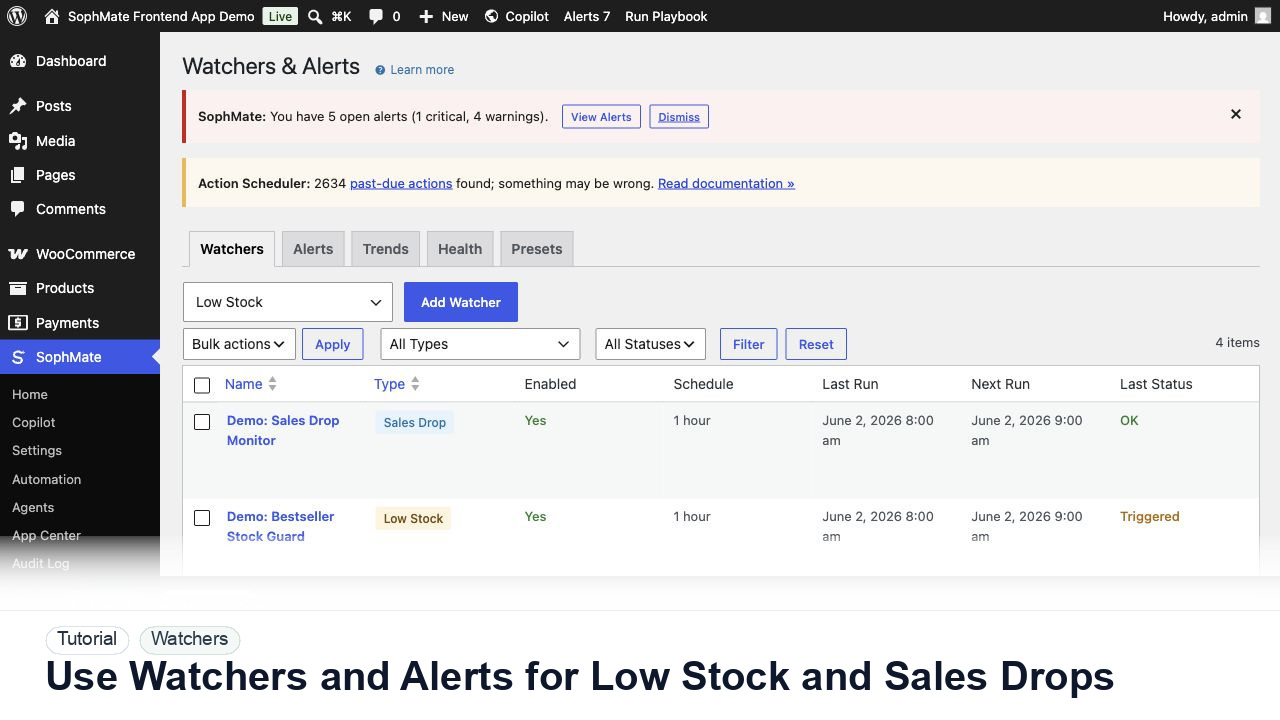
Configure SophMate Watchers for low-stock and sales-drop signals, then route alerts into the right review or workflow path.
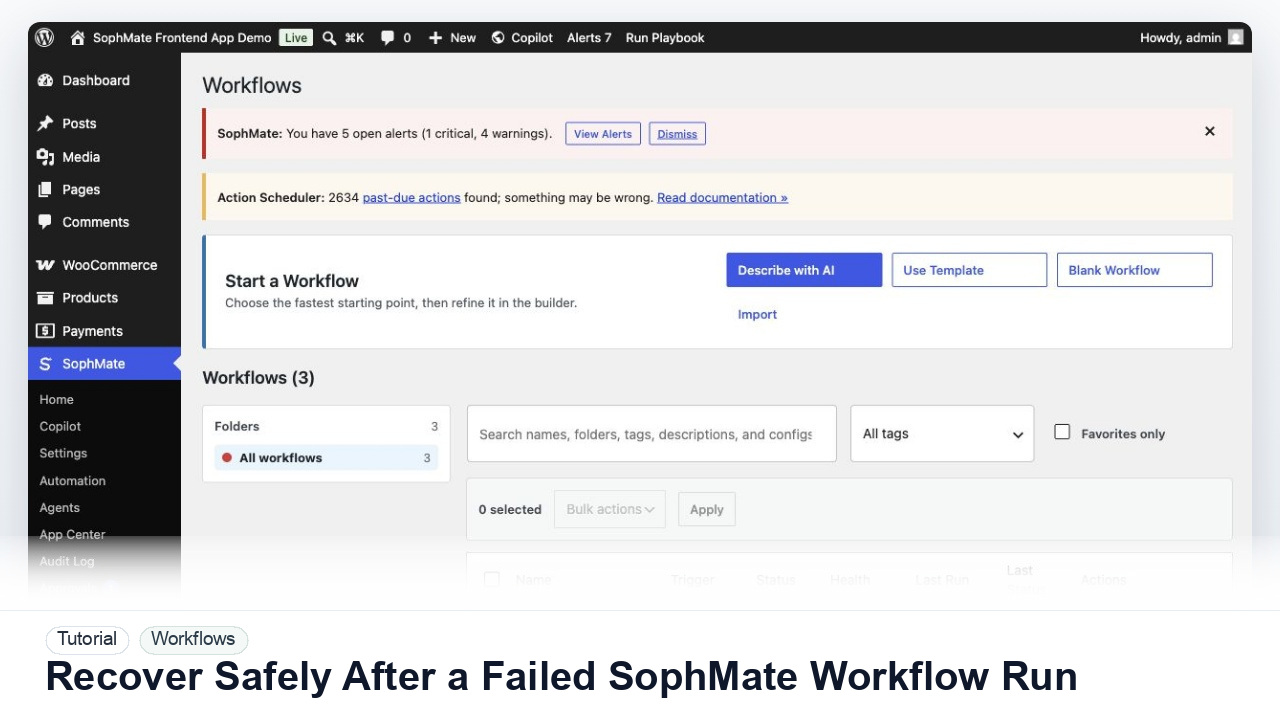
Use SophMate run history, audit events, approval status, and kill switches to investigate a failed workflow without creating duplicate or unsafe follow-up actions.
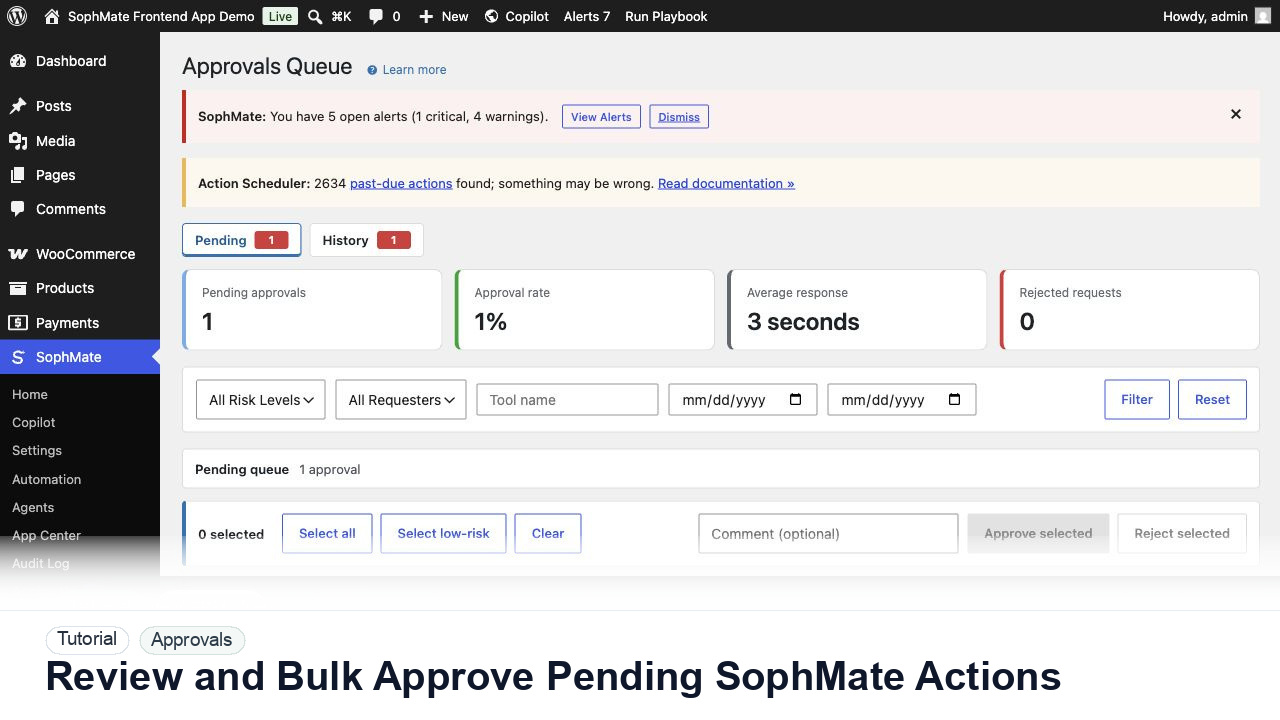
Use the Approvals queue to review pending action plans, delegate review, bulk approve low-risk work, and avoid accidental high-risk approval.
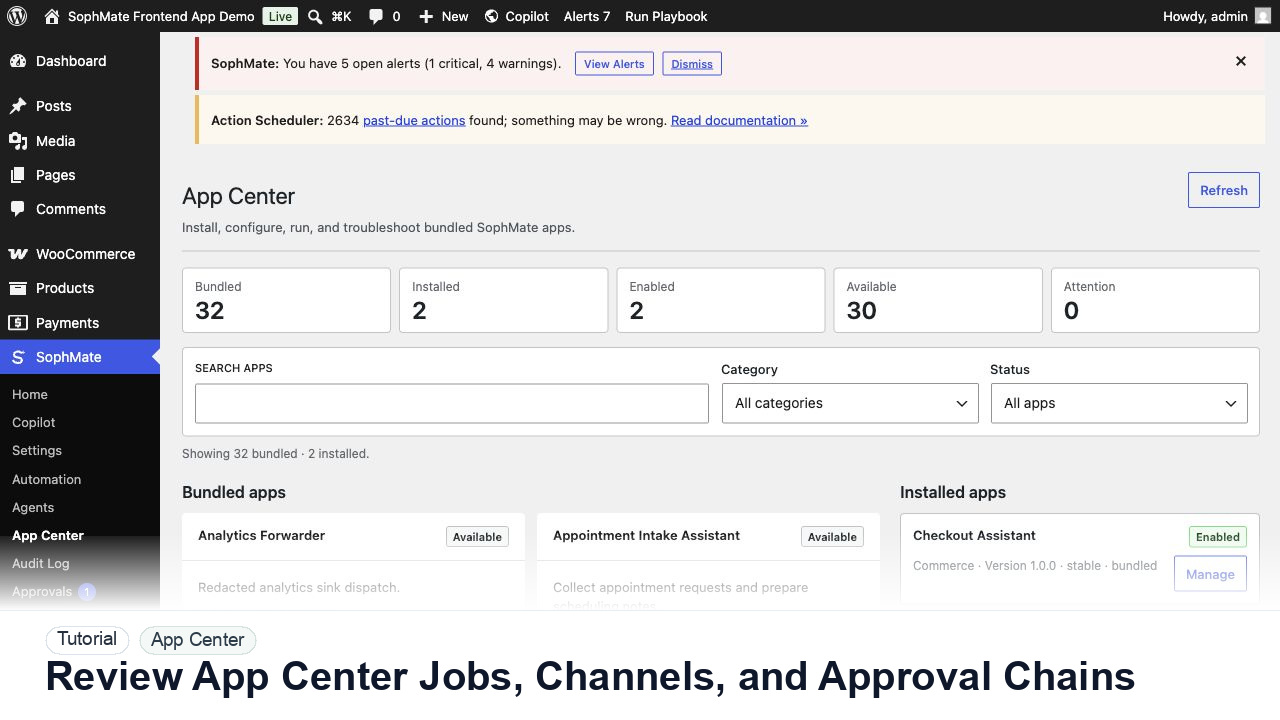
Operate App Center jobs, channel messages, approval chains, dry runs, activity, failures, and frontend panel work with clear ownership.
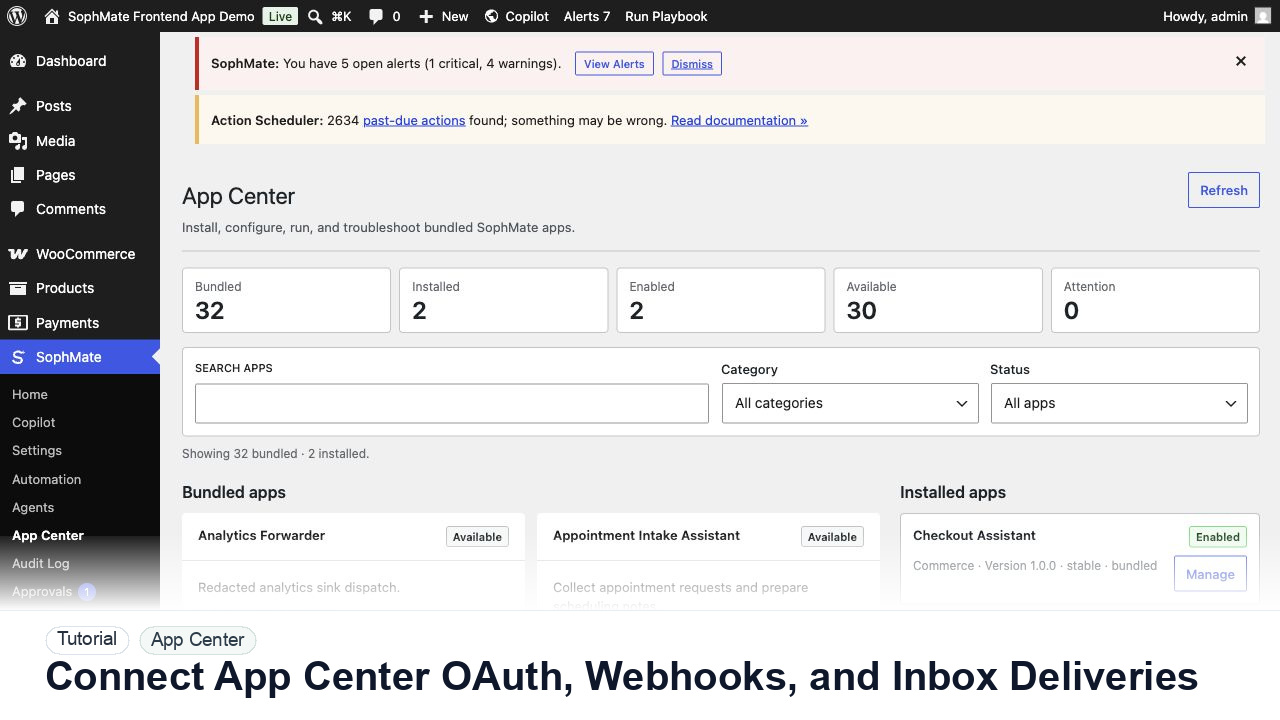
Connect App Center OAuth accounts, inbound webhooks, inbox deliveries, channel messages, and analytics events with support-safe evidence.
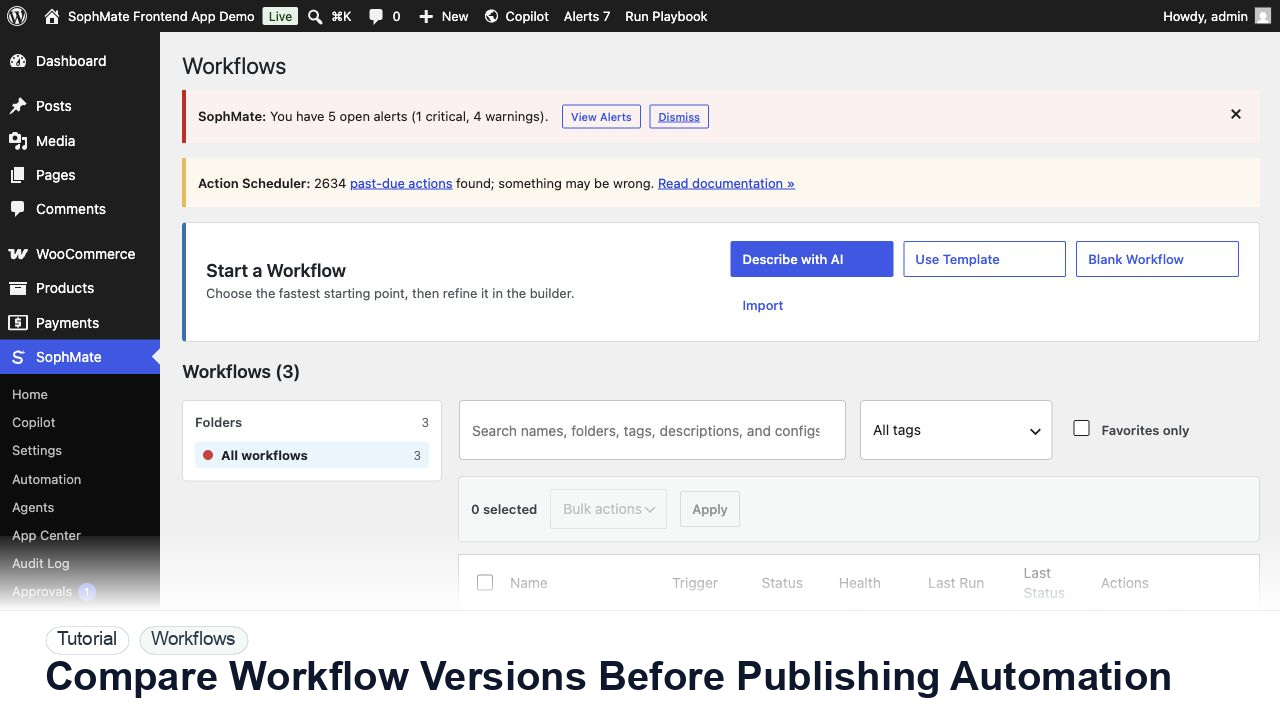
Review SophMate workflow versions, diffs, rollback points, marketplace imports, and export files before production rollout.
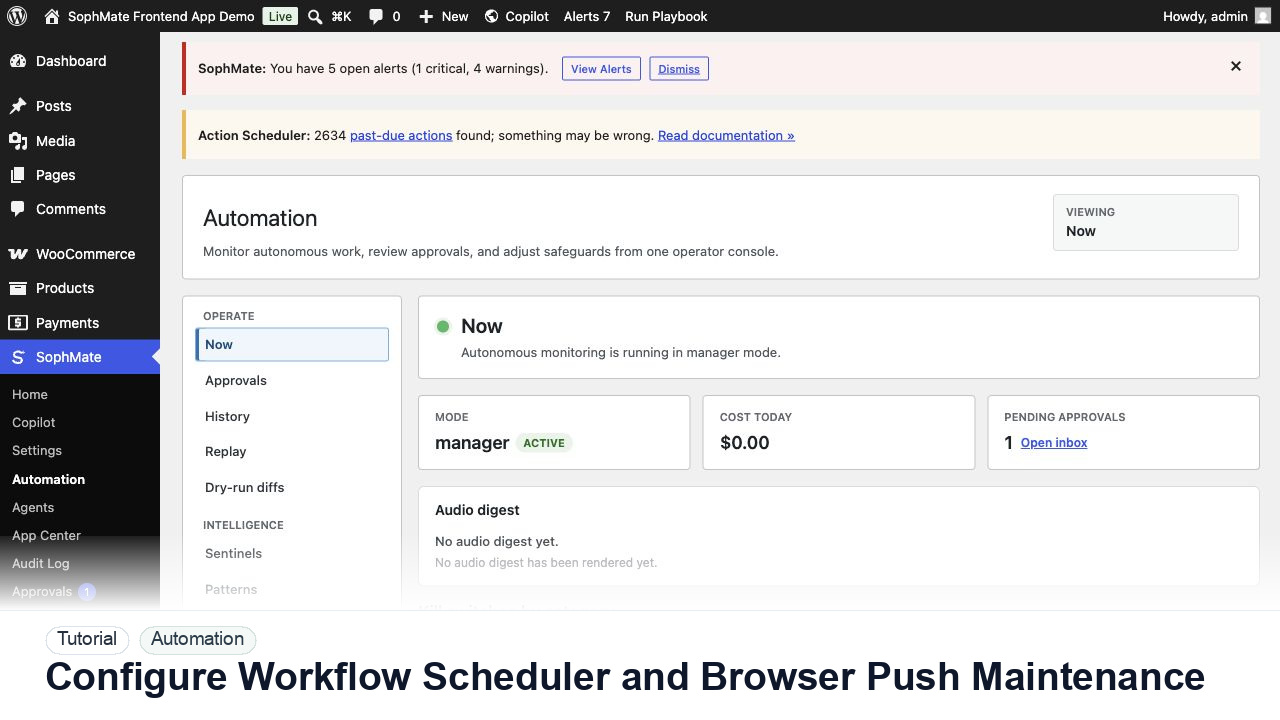
Review workflow schedules, browser push notifications, Action Scheduler queues, locks, missed runs, and maintenance windows before relying on scheduled workflow execution.
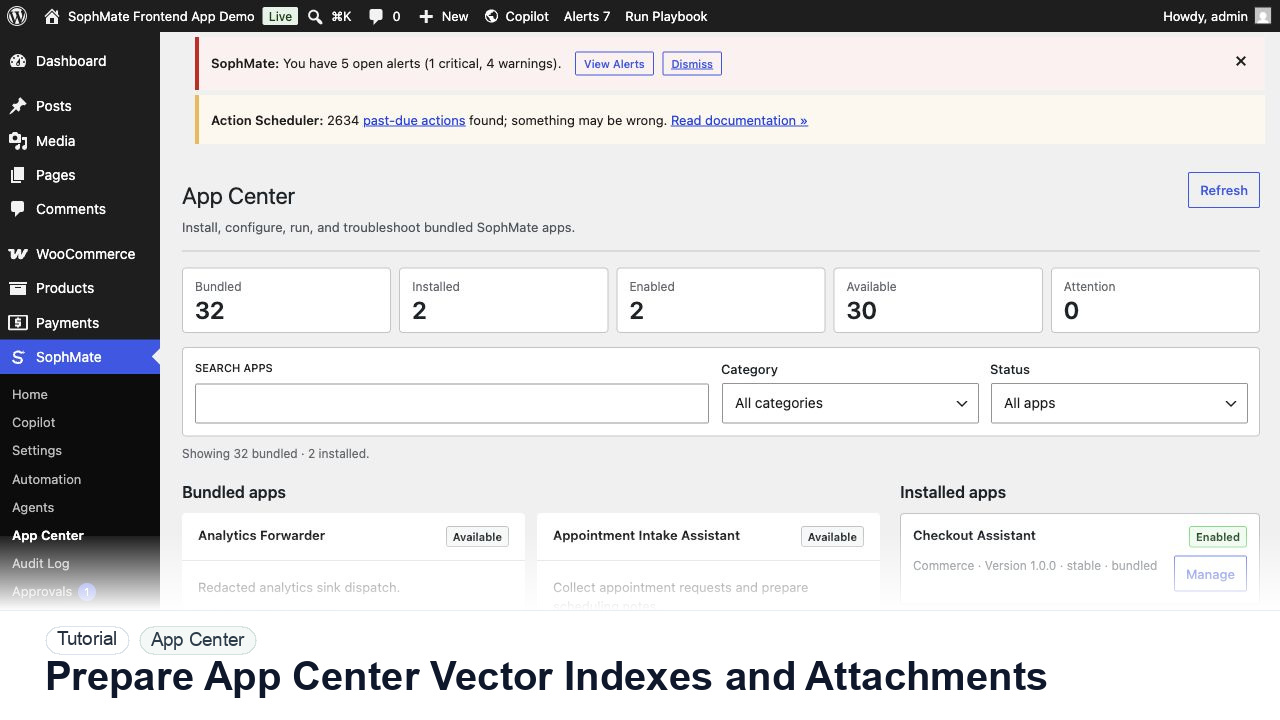
Prepare App Center vector indexes, attachment references, retrieval scope, redaction, and cleanup before custom apps answer with site data.