Find Low Stock Products and Create a Restock Watcher
Use SophMate to find low-stock WooCommerce products, prioritize restock risk, and create a watcher so future inventory problems surface automatically.
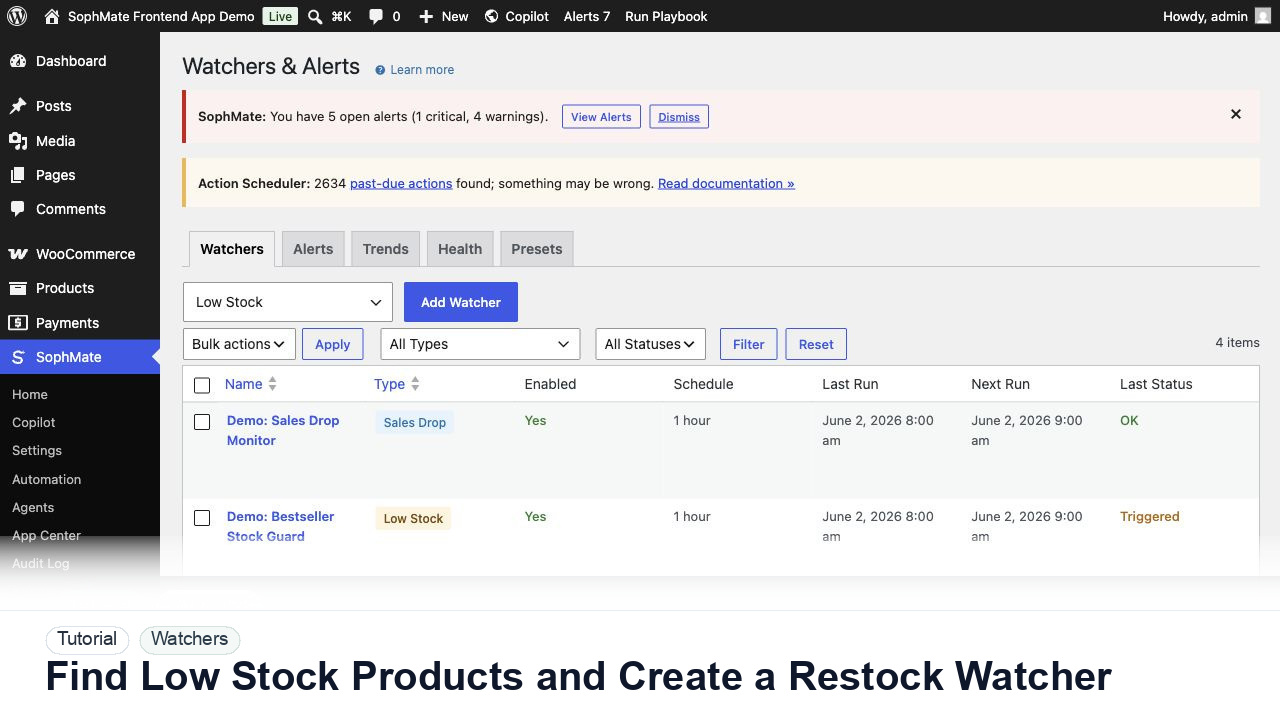
Use SophMate to find low-stock WooCommerce products, prioritize restock risk, and create a watcher so future inventory problems surface automatically.
By the end of this tutorial, you will know how to use SophMate for WooCommerce low stock alerts while keeping the work reviewable inside WordPress.
A store operator is preparing a weekend campaign and wants to know which products might run out before ads go live.
Use this tutorial to evaluate whether SophMate workflows start with operational maturity instead of unattended writes. The product signal is clear triggers, owners, approval points, alerts, cost expectations, run evidence, and kill switches.
Convert this recurring task into a safe first workflow. Start with read-only or notification-only output, define trigger, owner, approval point, failure alert, cost expectation, and kill switch.
The tutorial image shows Watchers and Alerts context where severity, ownership, alert history, and escalation paths are managed.
Start with notification and summary outputs before enabling write actions or unattended execution.
Ask Copilot or a playbook for products at or below the threshold that matters for the campaign. Include SKU, category, stock quantity, and sales velocity if available.
Separate products that are simply low from products that are low and part of the campaign, a bestseller list, or a bundled offer.
Use Watchers and Alerts to monitor the condition going forward. Keep the threshold conservative enough to catch issues early.
Route critical stock alerts to the right role. If an alert should draft a purchase task or campaign pause, use a workflow with approval.
Check watcher noise, missed alerts, and whether thresholds should change for seasonal demand.
The watcher is successful when alerts are rare enough to matter, assigned to an owner, and connected to a clear response path.
If output is noisy, duplicated, delayed, or unsafe, disable the workflow or watcher category, preserve run history, and restart only after owner review.
Document trigger, owner, run history, expected output, approval point, failure response, and kill switch owner.
The workflow owner should inspect first runs immediately and review active workflows or watchers on a regular operations cadence.
Escalate when workflows may write data, repeat failures, miss critical alerts, or run without a clear owner.
Usually no. Start with read-only, staging, notification-only, or approval-gated behavior until trigger scope, owner response, failure handling, and run history are proven.
No. SophMate should make the work easier to draft, inspect, approve, and repeat. Human review remains necessary when output affects customers, money, published content, privacy, settings, or workflow execution.
Record the owner, input scope, access boundary, approval point, failure modes tested, evidence location, monitoring window, and rollback or stop path.
Run the first version as read-only, simulation, or notification-only, then review alerts, costs, audit records, and kill switch behavior before allowing writes.
Next step
Review the SophMate listing for current package details, screenshots, compatibility notes, and license terms.
Related
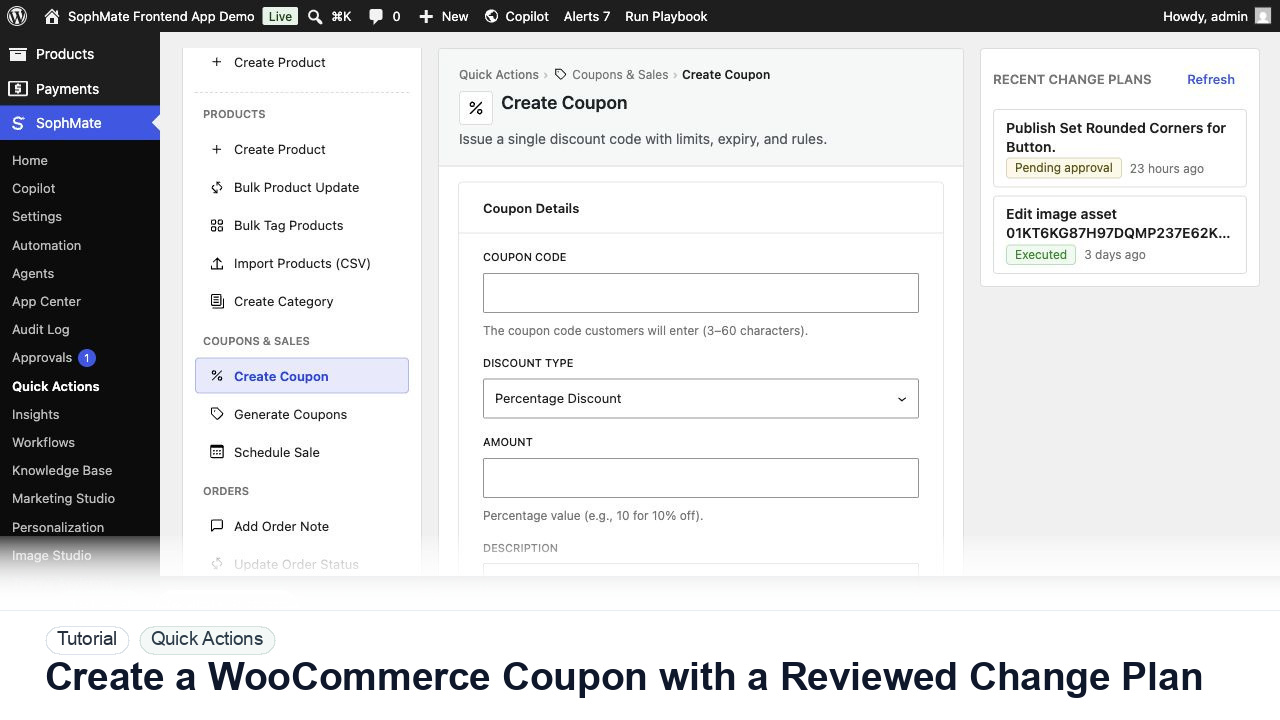
Create a WooCommerce coupon with SophMate, review the generated change plan, and apply the discount only after settings are confirmed.
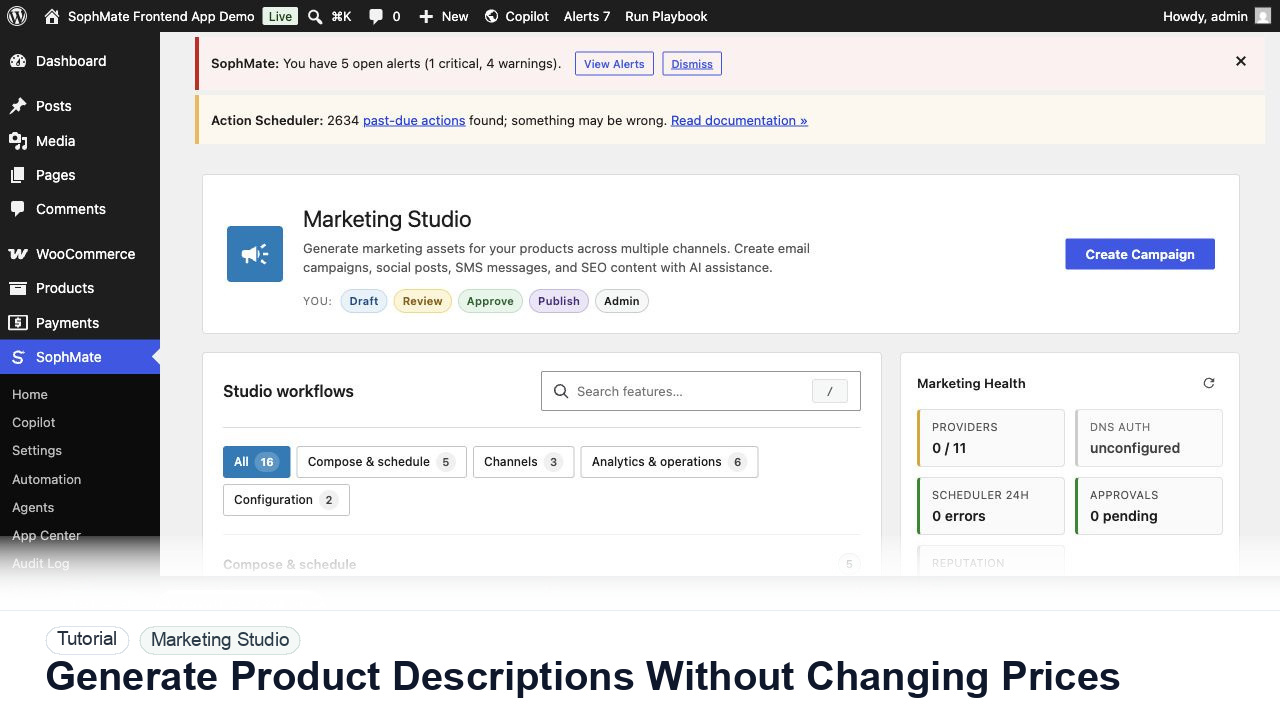
Use SophMate to draft product descriptions, SEO titles, and short descriptions while keeping price, stock, shipping, and variation settings out of scope.
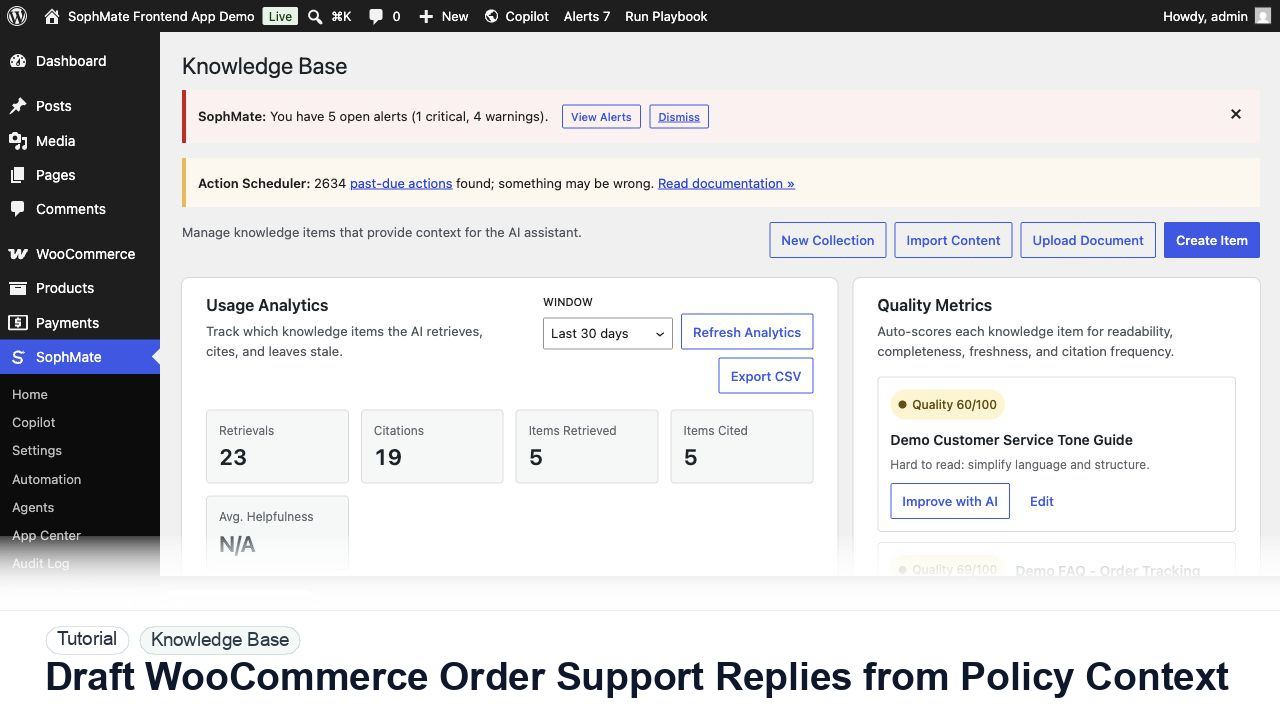
Draft WooCommerce order replies using order context, Knowledge Base policies, tone guides, and review controls before sending anything to a customer.