Build an Agent for Checkout Knowledge Questions
Create a SophMate agent that answers checkout questions from current cart context and selected Knowledge Base content without inventing policy details.
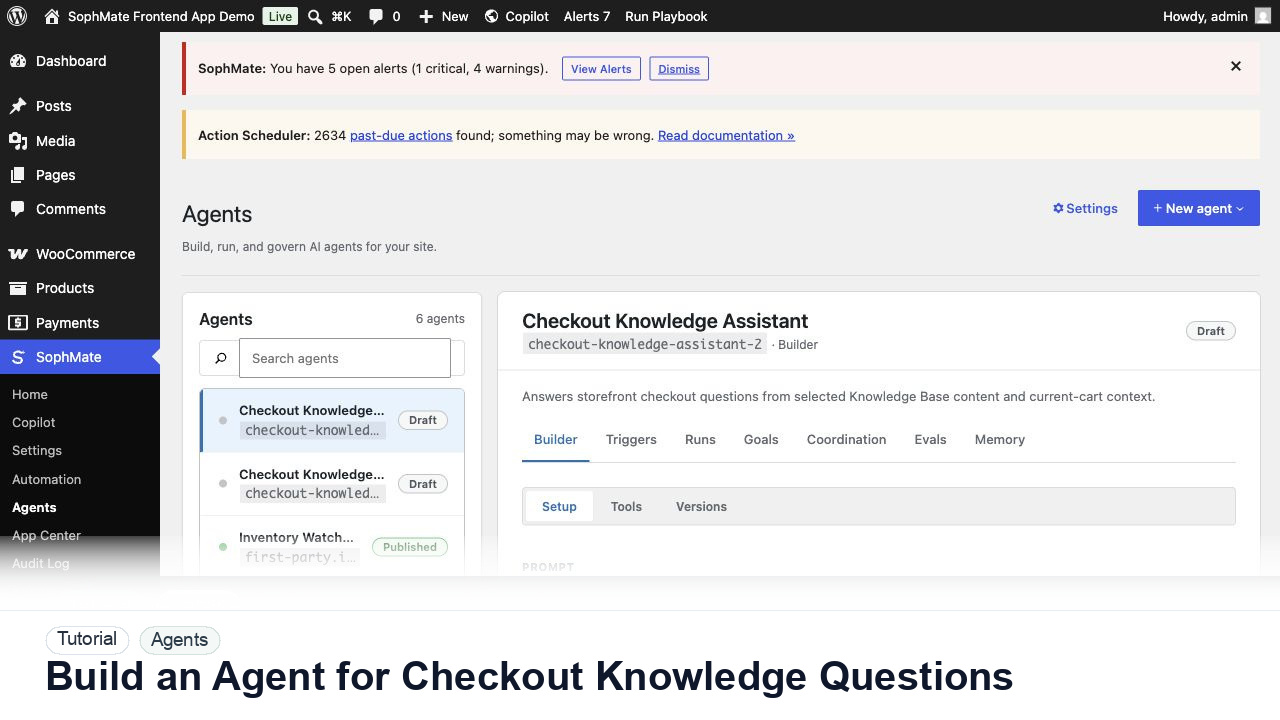
Create a SophMate agent that answers checkout questions from current cart context and selected Knowledge Base content without inventing policy details.
By the end of this tutorial, you will know how to use SophMate for WordPress AI agent while keeping the work reviewable inside WordPress.
A store wants a checkout assistant that can answer shipping and return questions from policy sources without seeing account credentials.
Use this tutorial to evaluate whether SophMate agents are governed before they are powerful. Buyers should look for narrow purpose, allowed sources, tools, memory, refusal rules, eval cases, traces, and launch-surface review.
Review this agent before publishing. Confirm purpose, allowed sources, tools, memory, refusal rules, eval cases, launch surface, and trace review cadence.
The tutorial image shows Agents because agent quality depends on prompt scope, tools, triggers, runs, evals, memory, and trace review.
Keep agent scope narrow, bind only necessary tools and sources, and review run traces before publishing broadly.
Open SophMate > Agents and create a new agent with a clear name, purpose, and expected audience. Keep the first version narrow.
Select the shipping, return, and payment FAQ items the agent may use. Do not give it broad access when a focused policy set is enough.
Tell the agent not to invent shipping, tax, coupon, payment, or availability details. It should cite sources and ask for support handoff when uncertain.
Create examples for common questions and edge cases. The agent should pass policy, tone, and refusal expectations before publication.
After publishing, review run traces, failed cases, and customer handoff events before expanding the agent to more surfaces.
The agent workflow is successful when evals pass, traces show the agent staying within scope, and tool or Knowledge Base use is easy to review after real runs.
If traces show unsafe answers or tool misuse, unpublish or narrow the agent, remove risky tools, update evals, and retest before exposing it again.
Document agent purpose, allowed sources, allowed tools, refusal rules, eval cases, launch surface, and run trace review cadence.
The agent owner should review evals before launch and run traces after launch, especially when tools or customer-facing answers are involved.
Escalate when an agent needs broader tools, handles customer-impacting answers, fails evals, or produces traces that are hard to explain.
No. Bind only the sources, memory, tools, and launch surfaces needed for the agent purpose, then expand after evals, traces, refusals, and permission checks pass.
No. SophMate should make the work easier to draft, inspect, approve, and repeat. Human review remains necessary when output affects customers, money, published content, privacy, settings, or workflow execution.
Record the owner, input scope, access boundary, approval point, failure modes tested, evidence location, monitoring window, and rollback or stop path.
Run the agent against its eval set and first trace review, then publish only when failed cases, refusal behavior, tools, and sources are documented.
Next step
Review the SophMate listing for current package details, screenshots, compatibility notes, and license terms.
Related
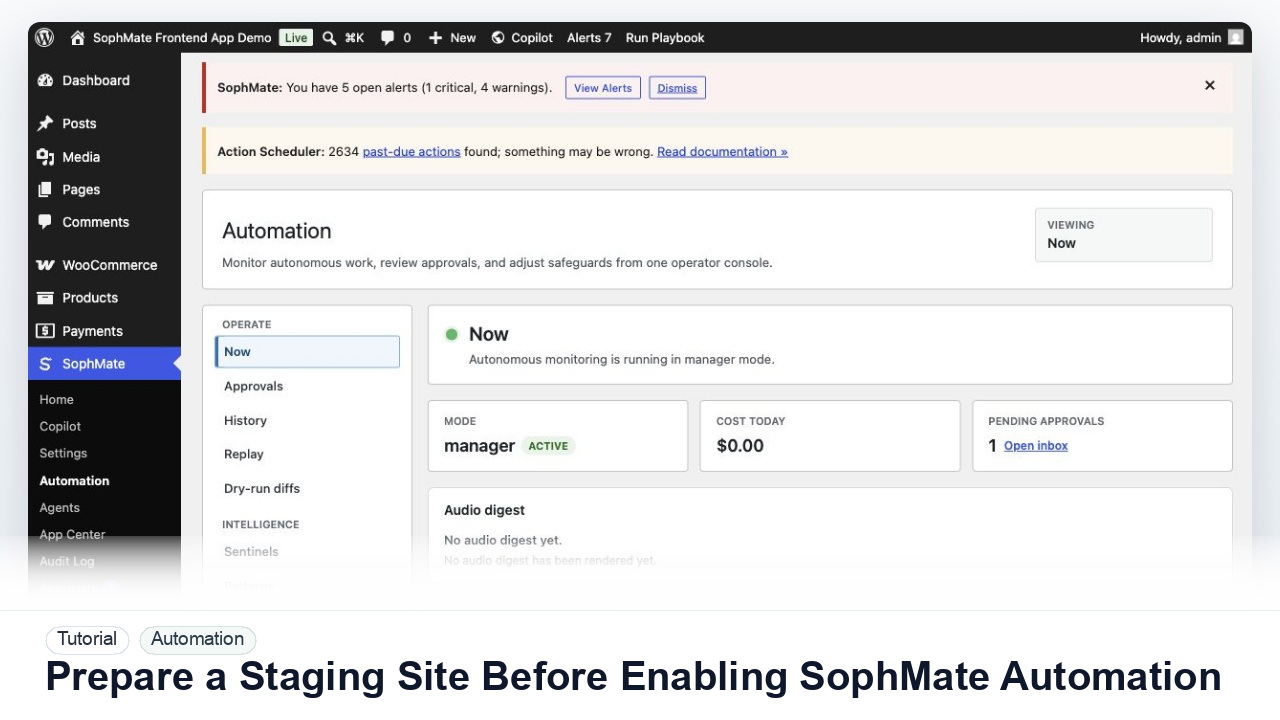
Use a staging WordPress site to test SophMate workflows, watchers, agents, approvals, and kill switches before production rollout.
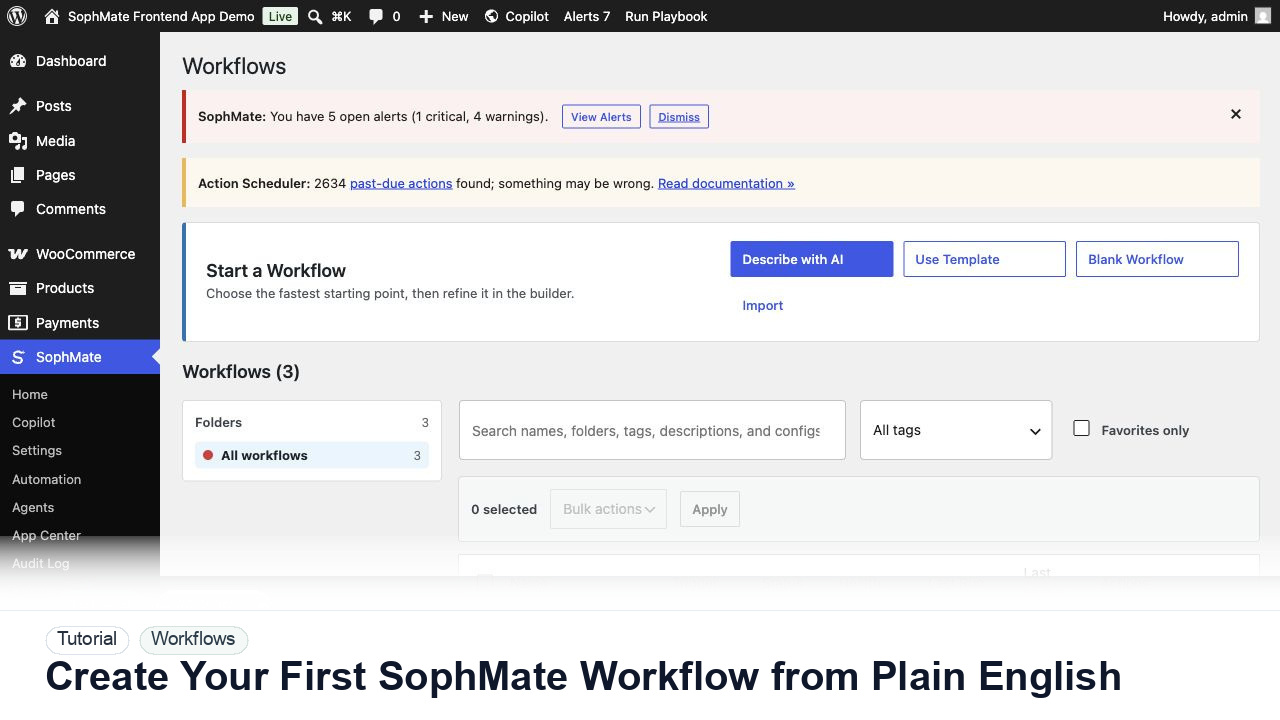
Use SophMate Workflows Describe with AI to turn a plain-English operations idea into a workflow draft with triggers, steps, and review notes.
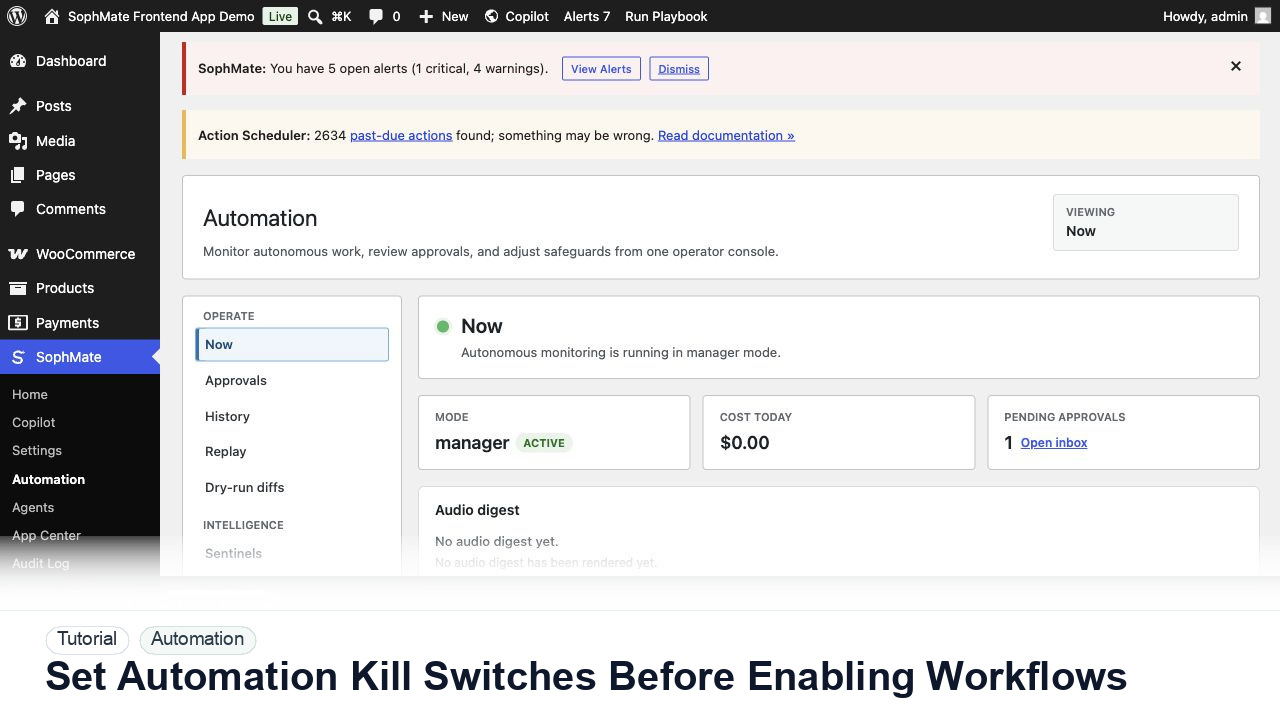
Configure SophMate workflow kill switches and ownership rules before enabling workflows that can affect WooCommerce or WordPress operations.