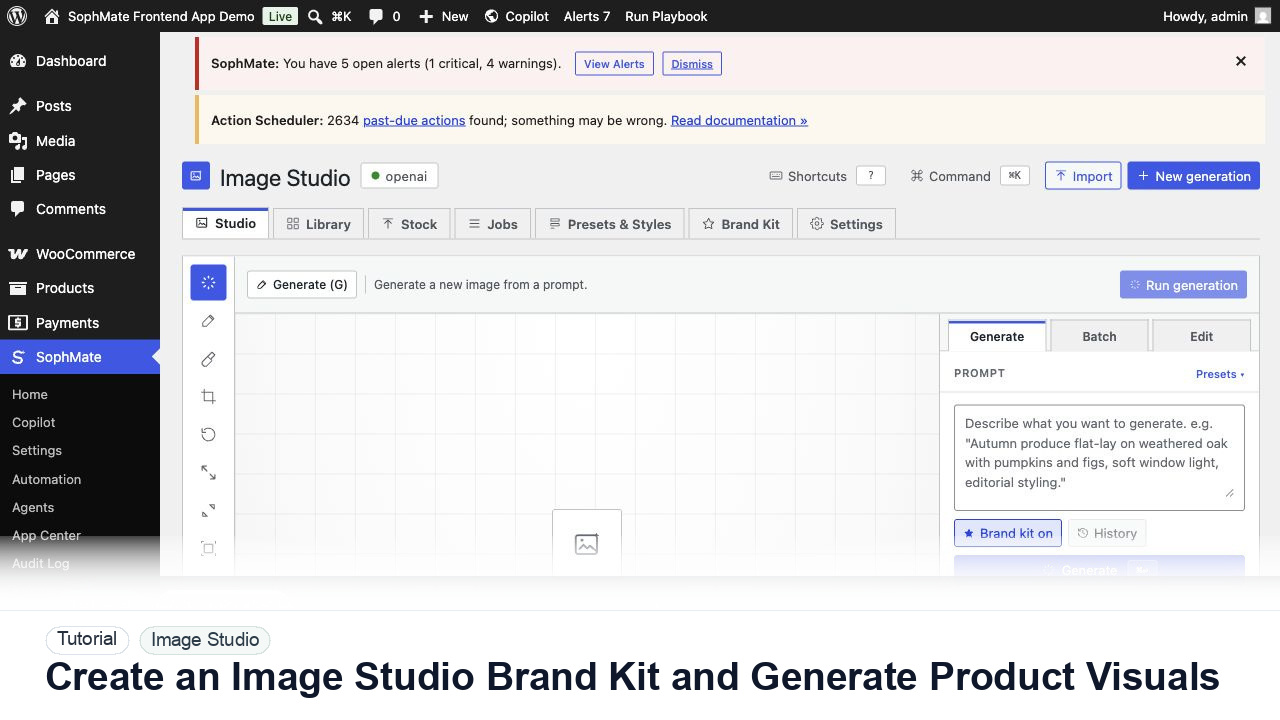
Create an Image Studio Brand Kit and Generate Product Visuals
Create an Image Studio brand kit, write a product visual prompt, generate a draft, and keep image publishing under review.
Tutorial tag
Related SophMate tutorials. Tag archives stay noindex until they are curated into high-value search pages.
Create an Image Studio brand kit, write a product visual prompt, generate a draft, and keep image publishing under review.
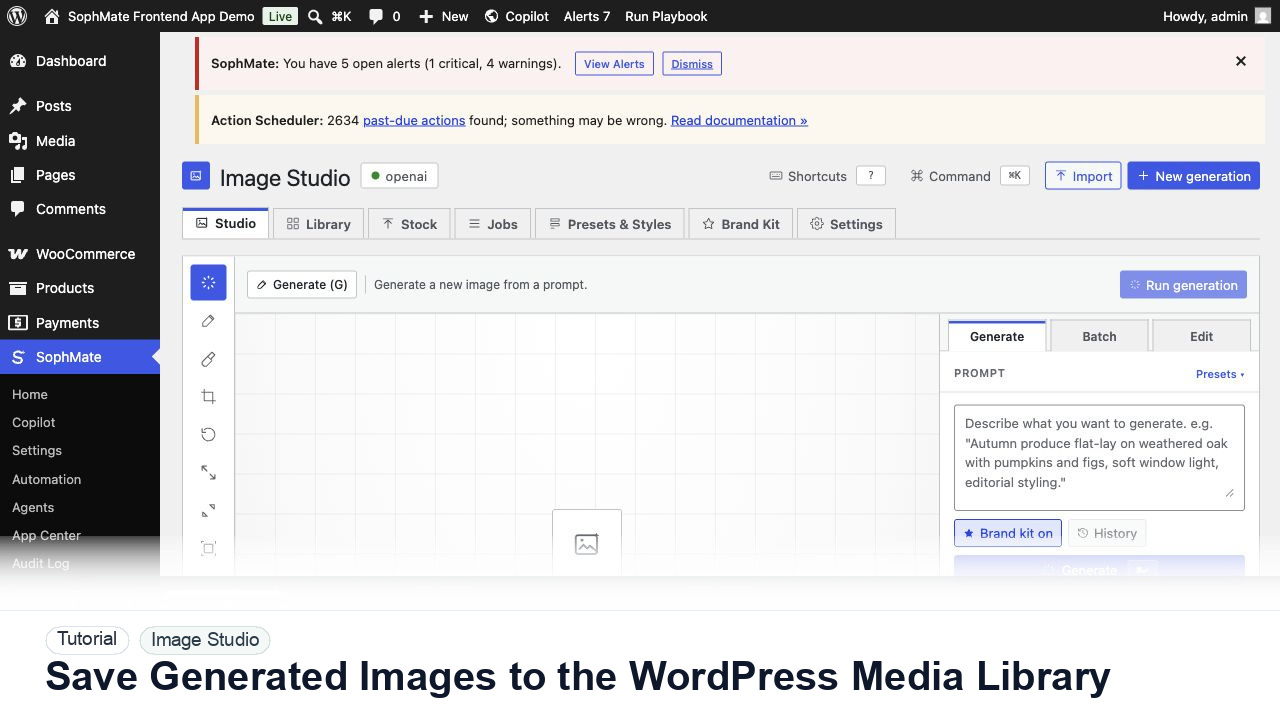
Move approved Image Studio outputs into the WordPress Media Library with metadata, alt text, and publishing intent.
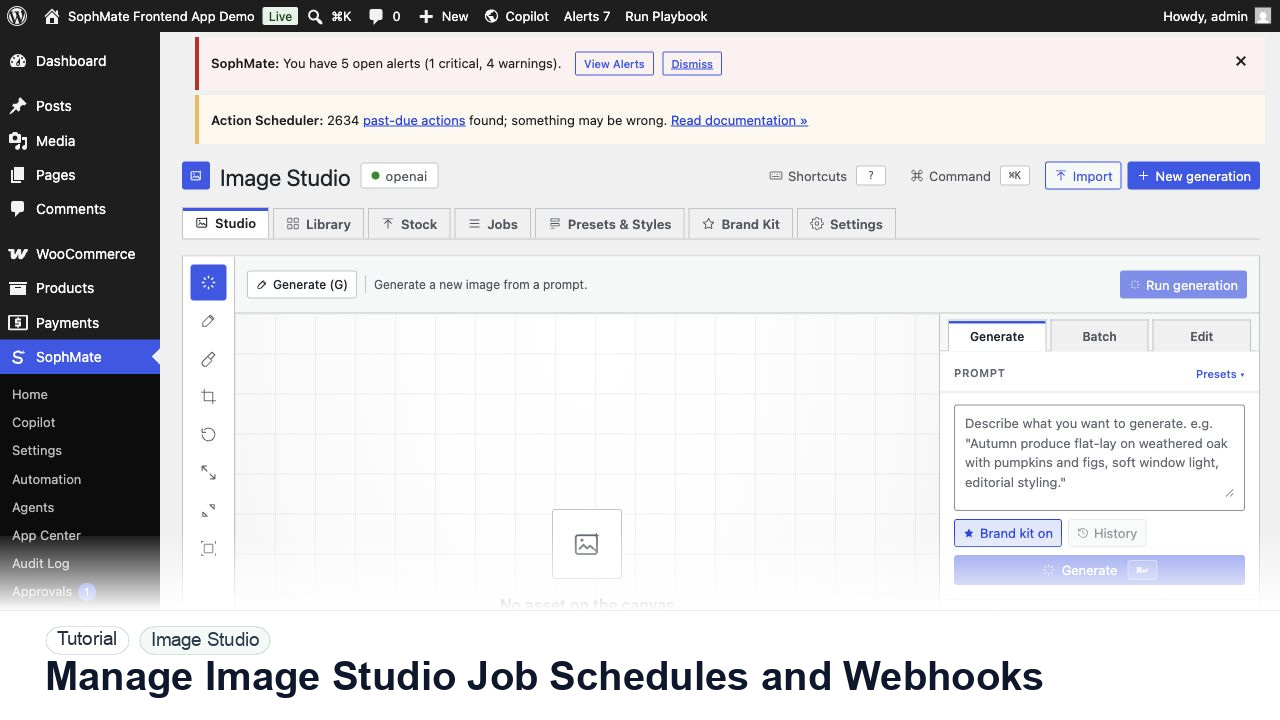
Schedule Image Studio jobs, review provider health, configure webhooks, and keep recurring asset generation approval-aware.
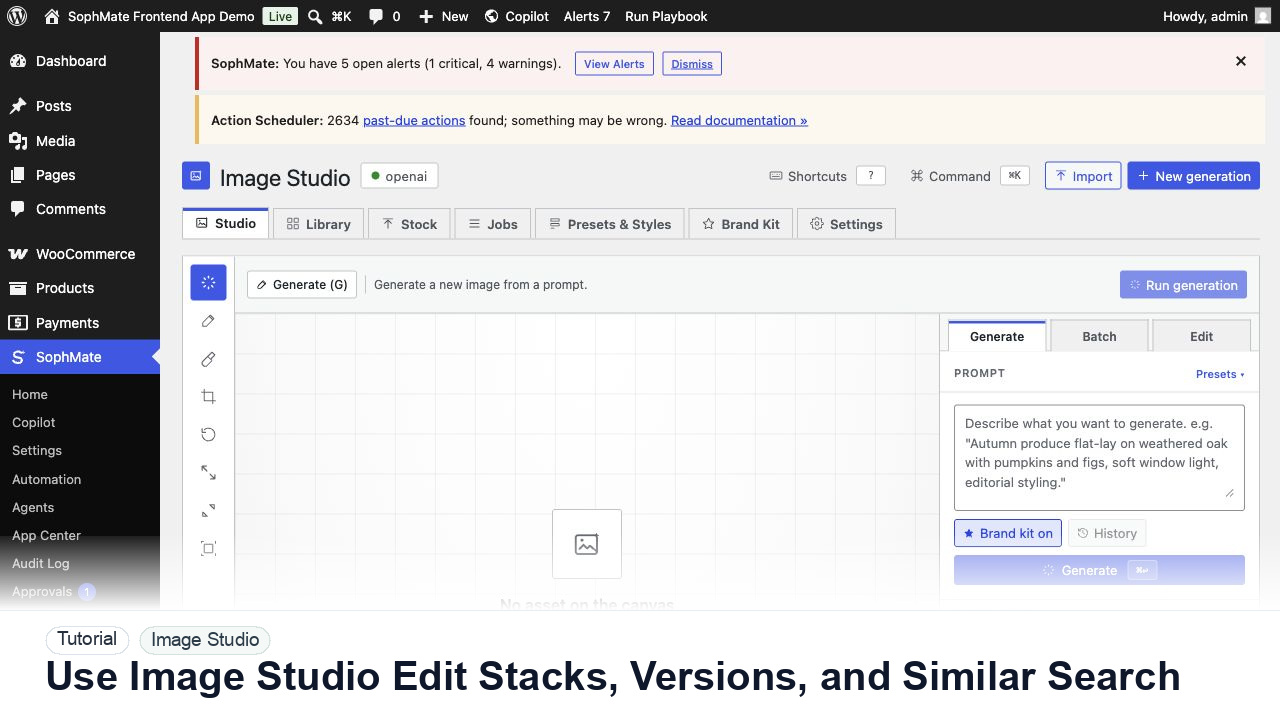
Review Image Studio edit stacks, asset versions, revert points, similar-image search, comments, and Media Library reuse decisions.
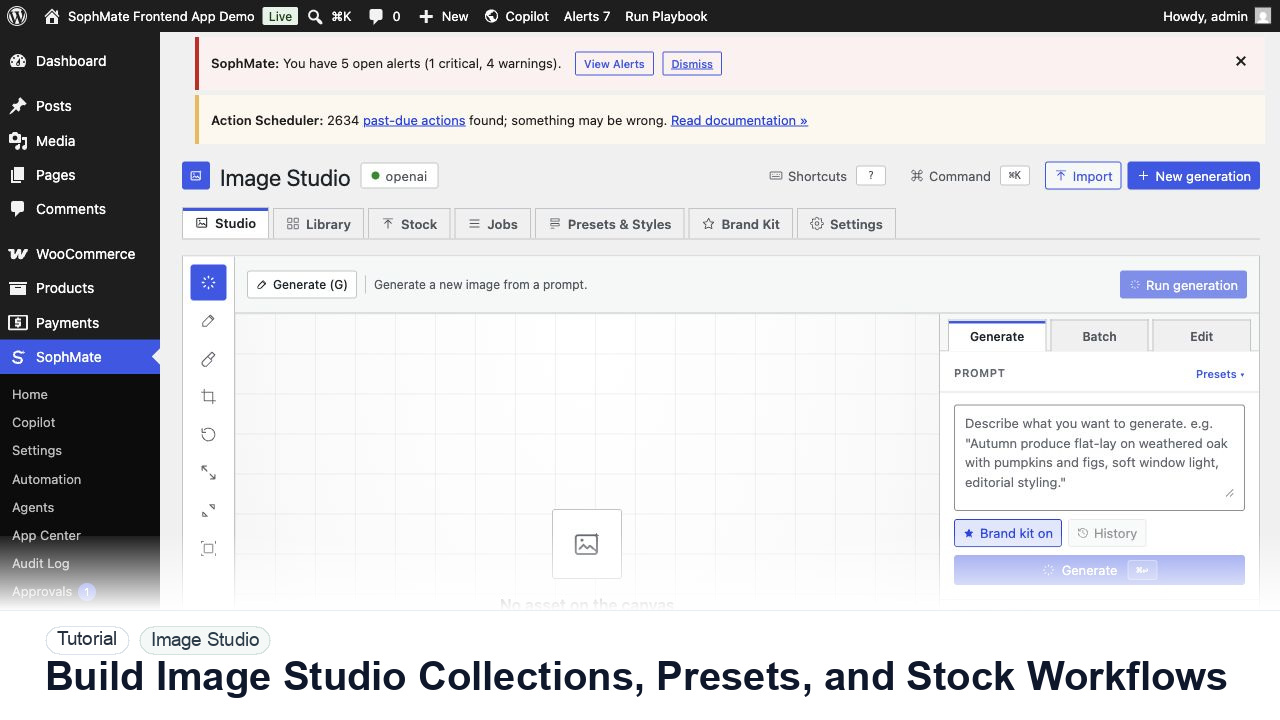
Organize Image Studio collections, prompt presets, brand kits, stock imports, rights notes, and Media Library handoff for reusable campaign assets.
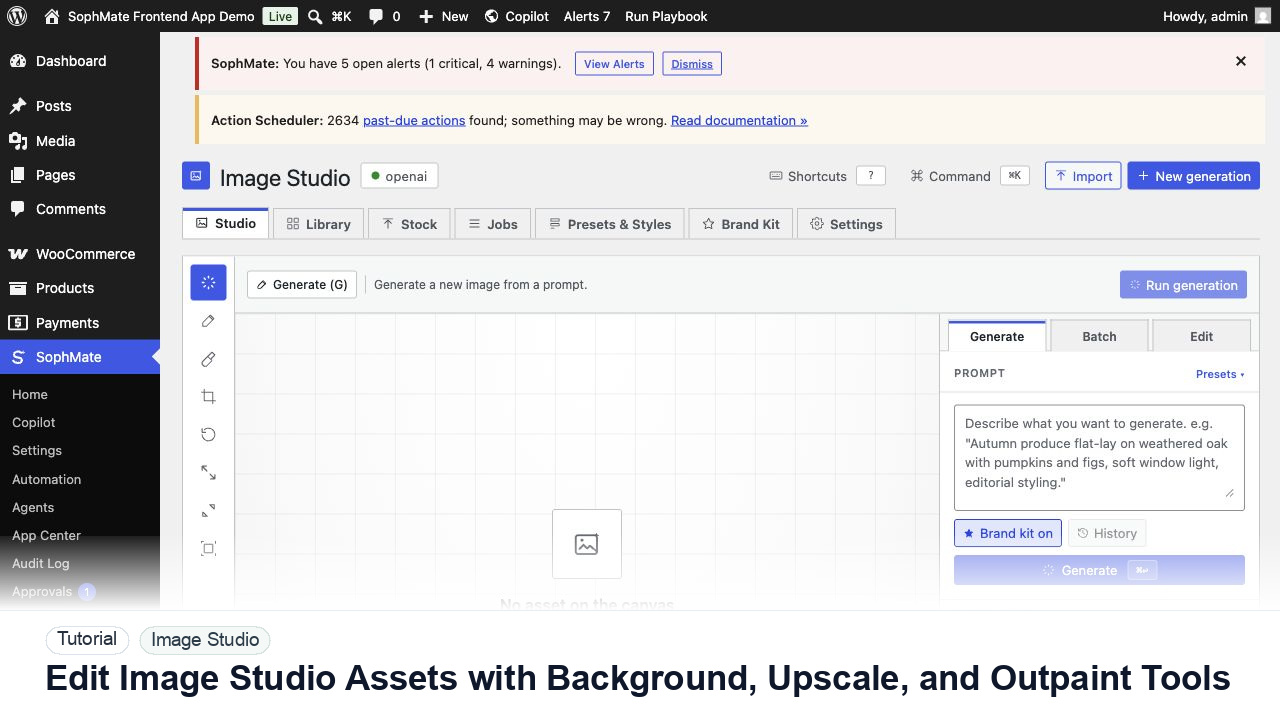
Use Image Studio remove-background, upscale, variation, crop, and outpaint tools while preserving brand review and version history.
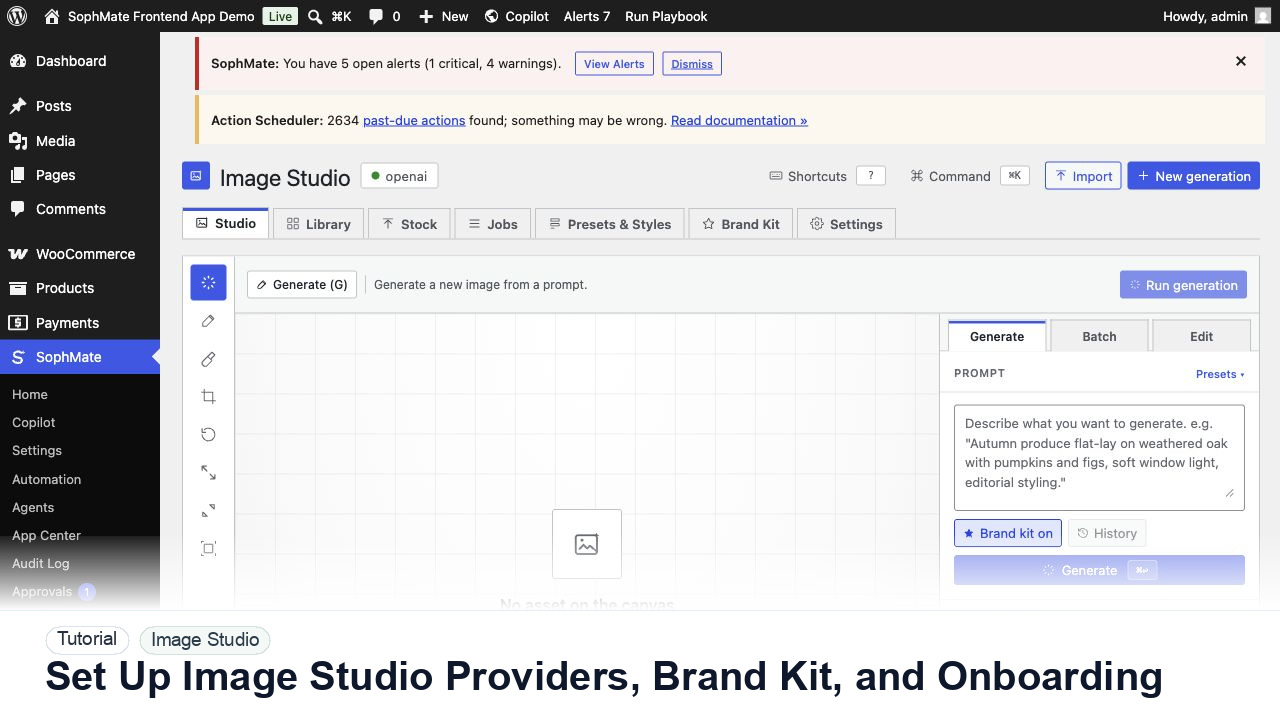
Configure Image Studio providers, test generation access, estimate costs, complete onboarding, and align brand kit settings before creative work.